


Contributor II
September 18, 2024
Solved

Problems with Abandoned Cart Email

  • September 18, 2024
  • 5 replies
  • 168 views

Hi,

I have a new problem with my Abandoned Cart flow. These used to work perfectly, but now don’t seem to work.

I’m using the Checkout Started trigger but my button with {{ event.extra.checkout_url}} goes to my homepage, not the checkout.

And, in the second section (you added these items to your cart); 

{{ item.product.title }}

Quantity: {{ item.quantity|floatformat:0 }} — Total: {% currency_format item.line_price|floatformat:2 %}

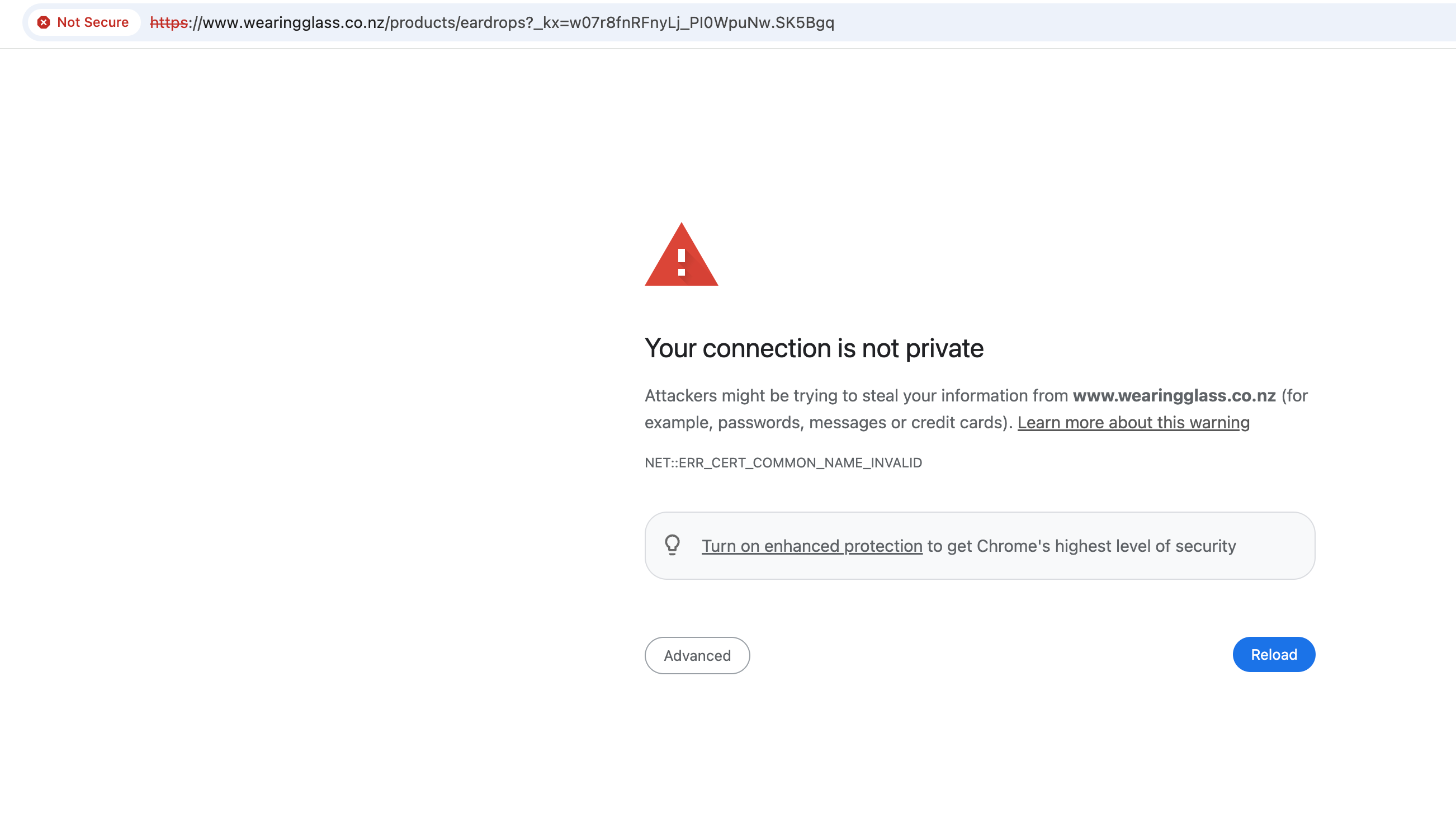
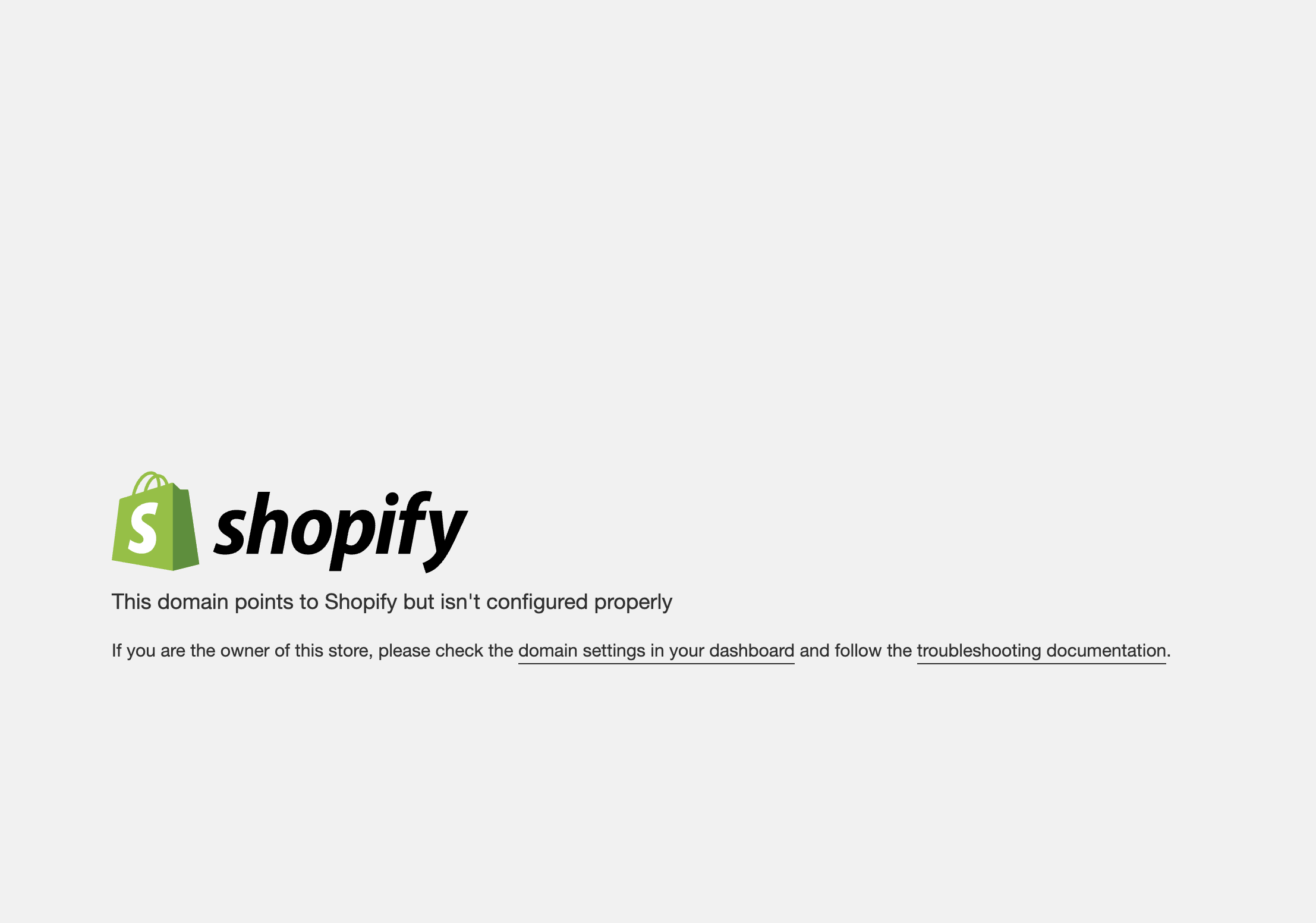
Shows the products ordered, but when I try to click through to my store I get either of the following error messages:
 

    This topic has been closed for replies.
    Best answer by Maxbuzz

    Hello @Wearing Glass Look like you have not added a CNAME for www in your DNS.

    Your domain https://wearingglass.co.nz/ works without issues but when you add www then it does not.

    add a www CNAME in your DNS and that should fix the issue.

    5 replies

    stephen.trumble
    Klaviyo Alum
    September 24, 2024

    Hey @Wearing Glass 

    Welcome to the community. Sorry for the delayed response.

    Have you made any updates to your Shopify site, like updated the theme? Or made any updates to the checkout url? The error messages make it look like this is an issue that is on your Shopify settings. Klaviyo only uses what Shopify sends us for data.

    -Stephen
    Contributor II
    September 25, 2024

    Hi Stephen,

    I have changed my shopify theme, but I thought that the checkout URL would be the same. Do you think I should rebuild the flow? Or is there an easier fix?

    Contributor II
    September 25, 2024

    Hi Stephen,

    I tried to rebuild the flow but had the same problem.

    I’ve contacted Shopify and they said:

    • I appreciate your patience. According to our internal team, setting up Klaviyo correctly requires adding specific DNS Records. Since you are encountering prompts related to domain not configured, the best course of action is to contact Klaviyo directly to find out which DNS Records need to be added to your domain to point it to Shopify and resolve these prompts. While I can provide you with the values for the DNS Records, it is Klaviyo that will specify which records need updating.

    So. Given that all of my other flows work perfectly, can you please send me the names of the DNS Records that need to be added to my domain?

    I will check with my provider that they are correct, and hopefully that will fix the problem.

    Thanks, Isla

    MaxbuzzAnswer
    Partner
    September 26, 2024

    Hello @Wearing Glass Look like you have not added a CNAME for www in your DNS.

    Your domain https://wearingglass.co.nz/ works without issues but when you add www then it does not.

    add a www CNAME in your DNS and that should fix the issue.

    https://theforms.pro
    Contributor II
    September 26, 2024

    Thanks @Maxbuzz I appreciate the advice, I’ll do that now.


    x Isla