At present, rounded corners or the option to apply corner radius is not supported for individual blocks outside of button blocks. One solution to this would be using a third party editing tool to create rounded corners for your graphic to be uploaded into your email template for use. The same can be done with text where you create a blank image with rounded corners while superimposing your desired text and uploading it to your email for use in an image block.
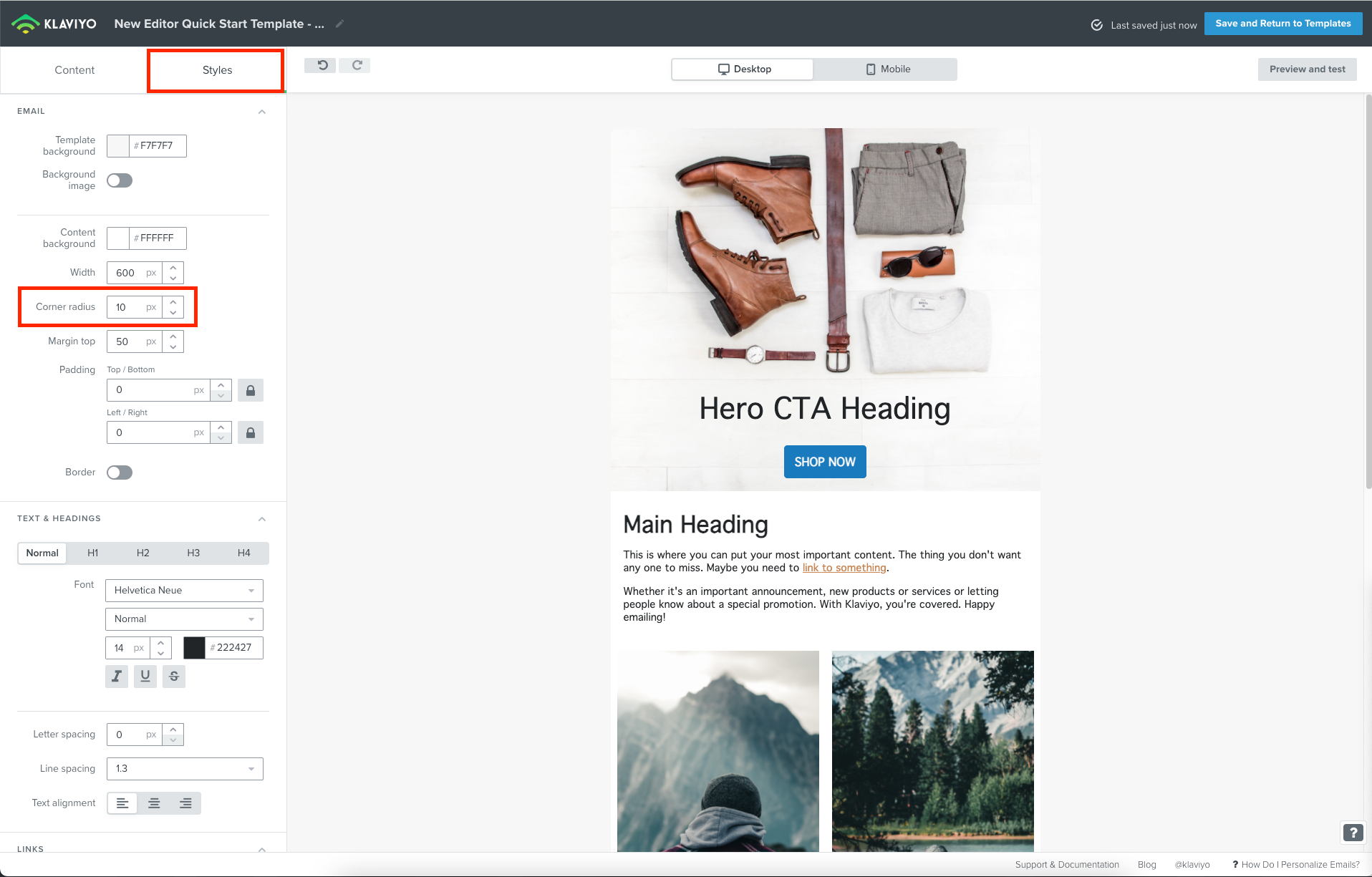
Although corner radius is not supported for individual blocks, you can actually apply corner radius to your template as a whole if you were using our new editor. This would round out the corners of your email as a whole. You can find this setting under the Styles tab in the new editor under Corner radius.
Since this isn’t a feature, I’ll share this feedback with our Product Team!