Removing Brackets on Tracking Number
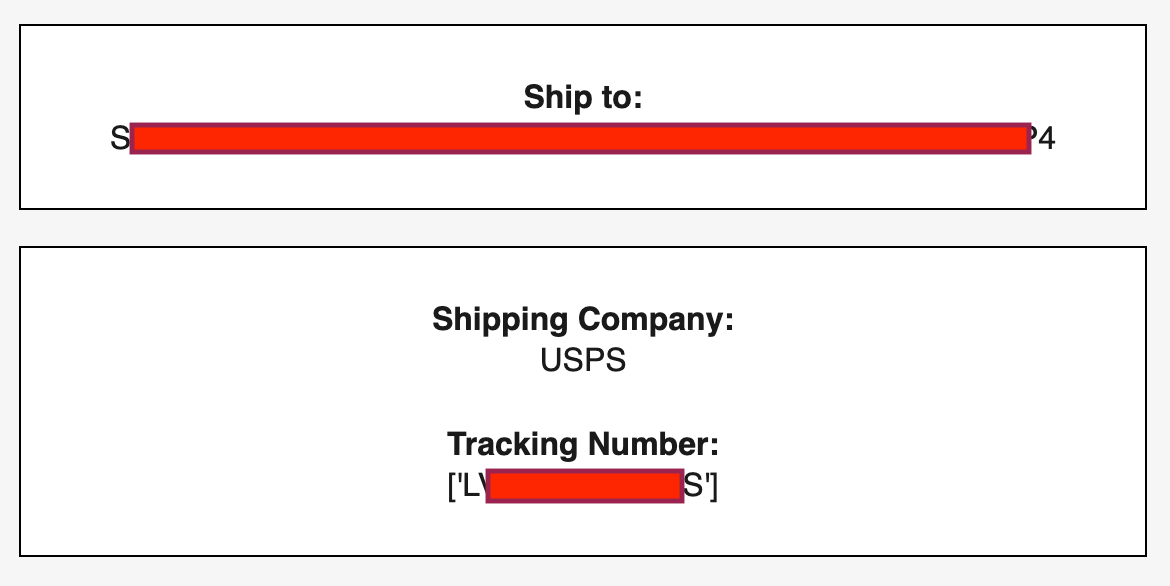
When I try to call the tracking number metric it shows up in brackets and apostrophes [see image below]. I want it to show up as just the number with no brackets of apostrophes. Can anyone else to edit it to fix this problem?
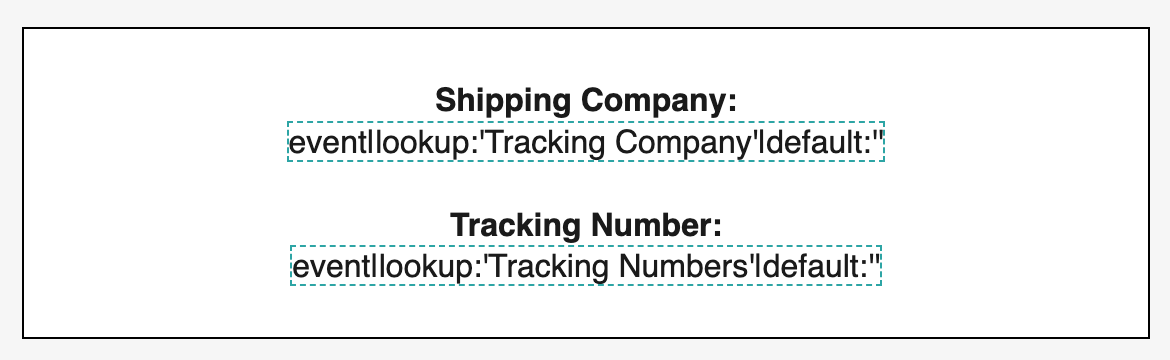
Here is the code that produces it:
<div style="text-align: center;"> </div>
<div style="text-align: center;"><span style="font-weight: bold;">Shipping Company:</span></div>
<div style="text-align: center;">{{ event|lookup:'Tracking Company'|default:'' }}</div>
<div style="text-align: center;"> </div>
<div style="text-align: center;"><span style="font-weight: bold;">Tracking Number:</span></div>
<div style="text-align: center;">{{ event|lookup:'Tracking Numbers'|default:'' }}</div>
<div style="text-align: center;"> </div>