Contributor I
April 16, 2024
Solved

Shopify Add to cart snippet stopped working/sending info

  • April 16, 2024
  • 3 replies
  • 163 views

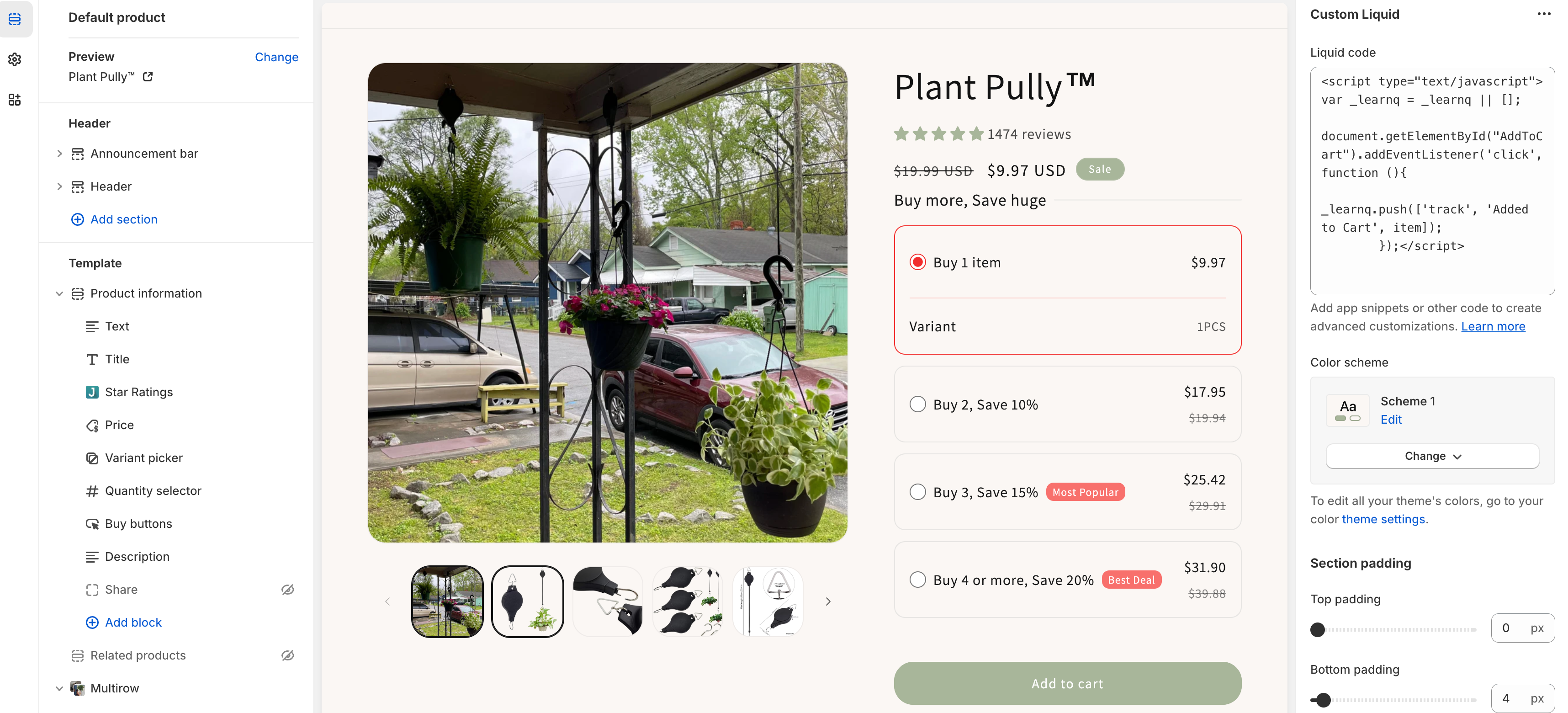
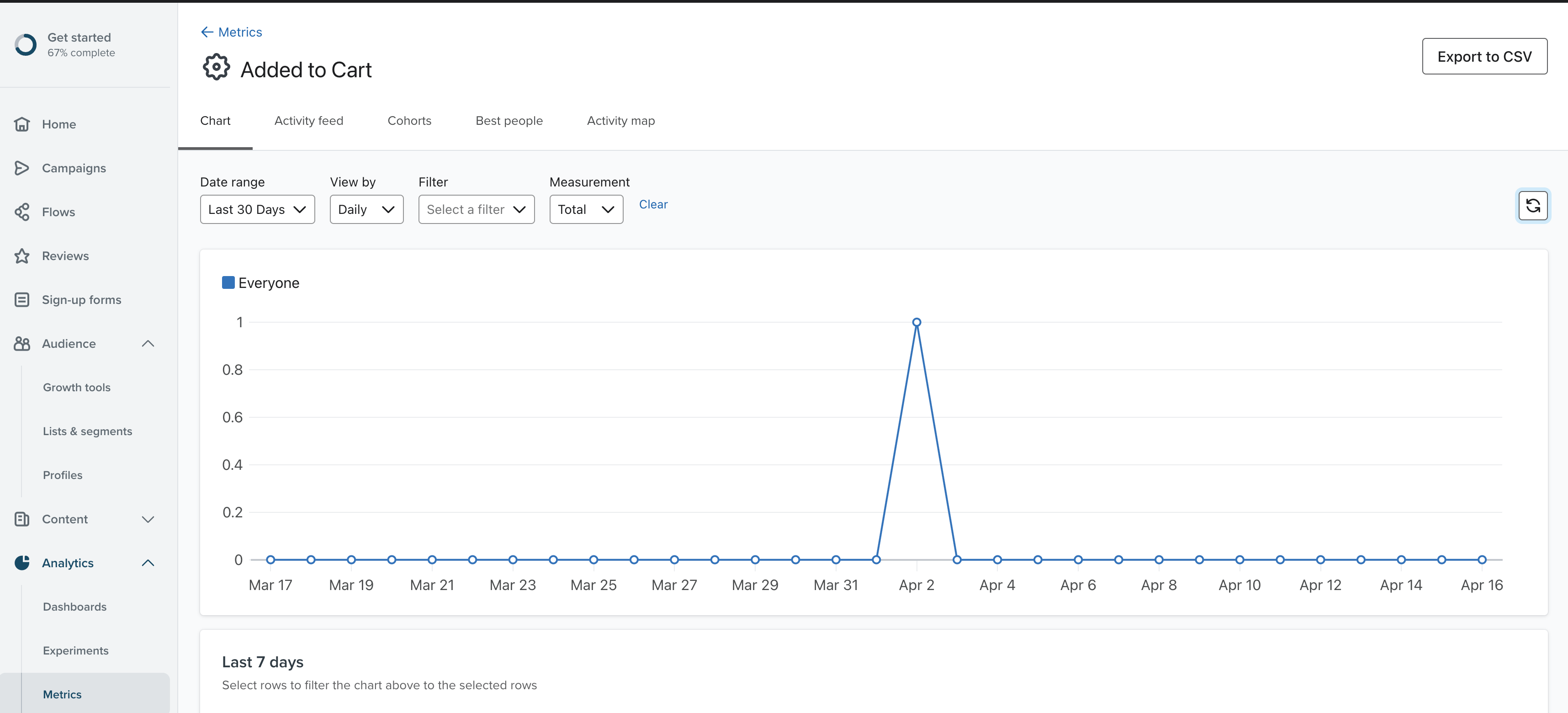
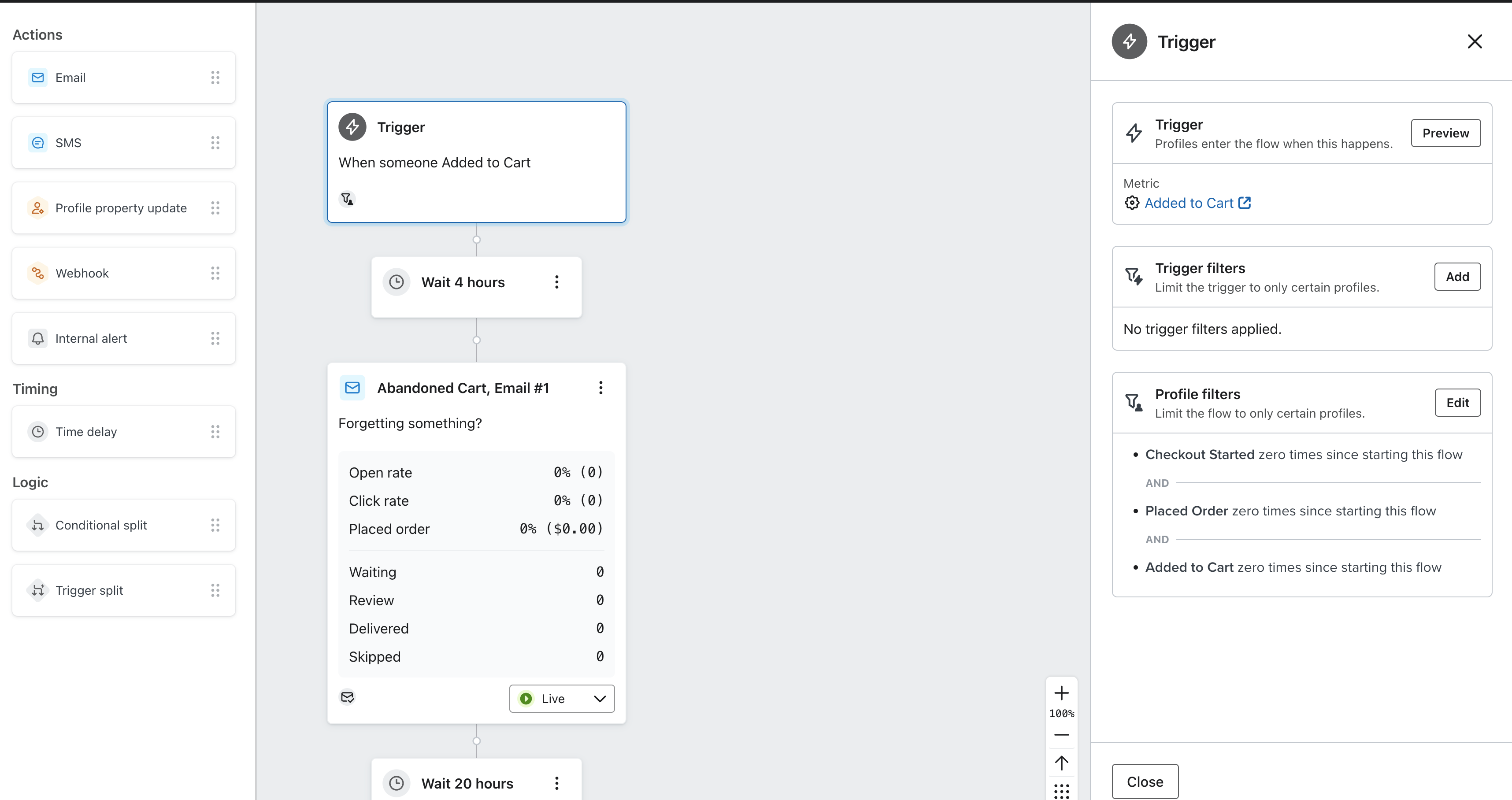
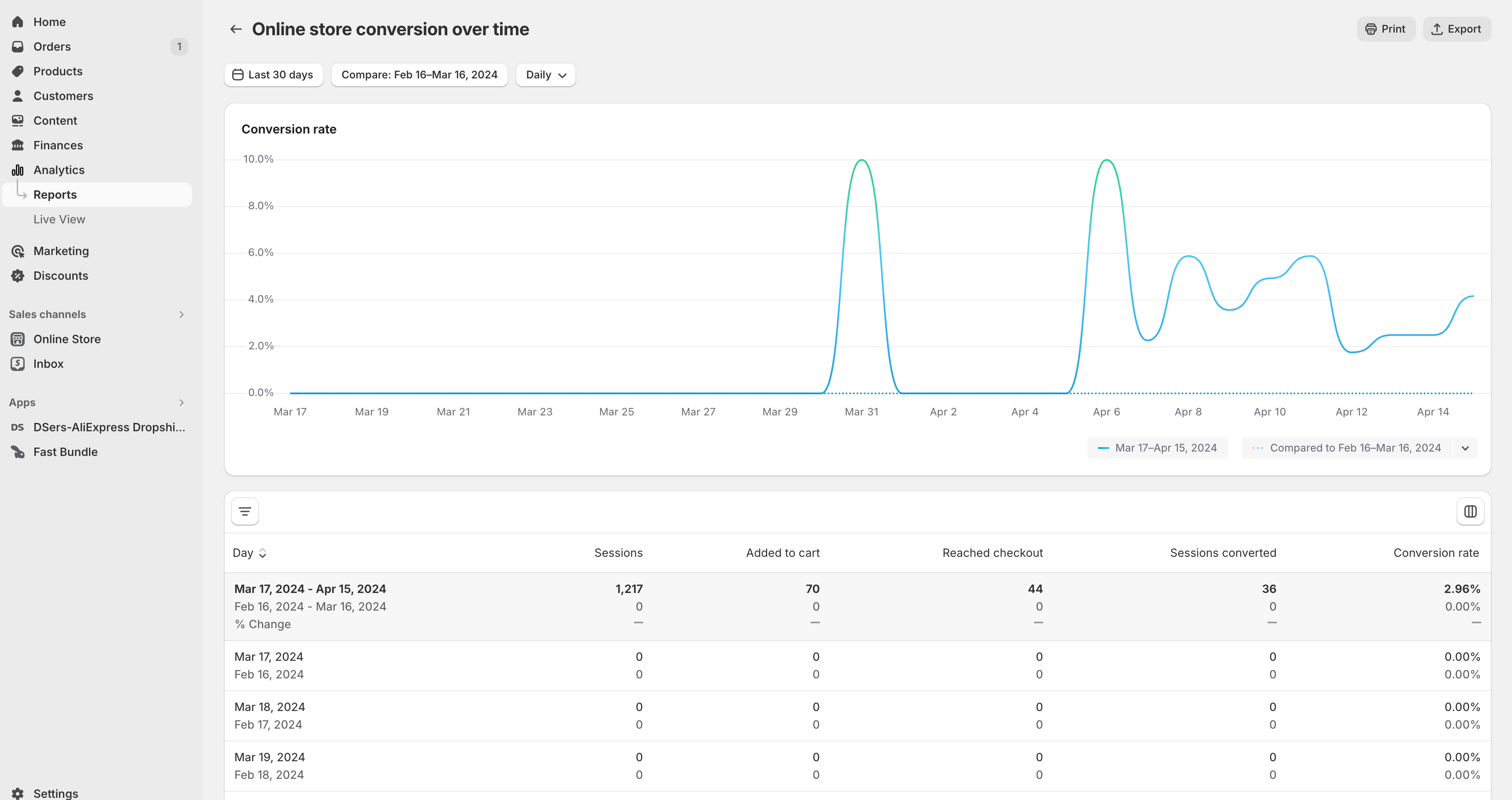
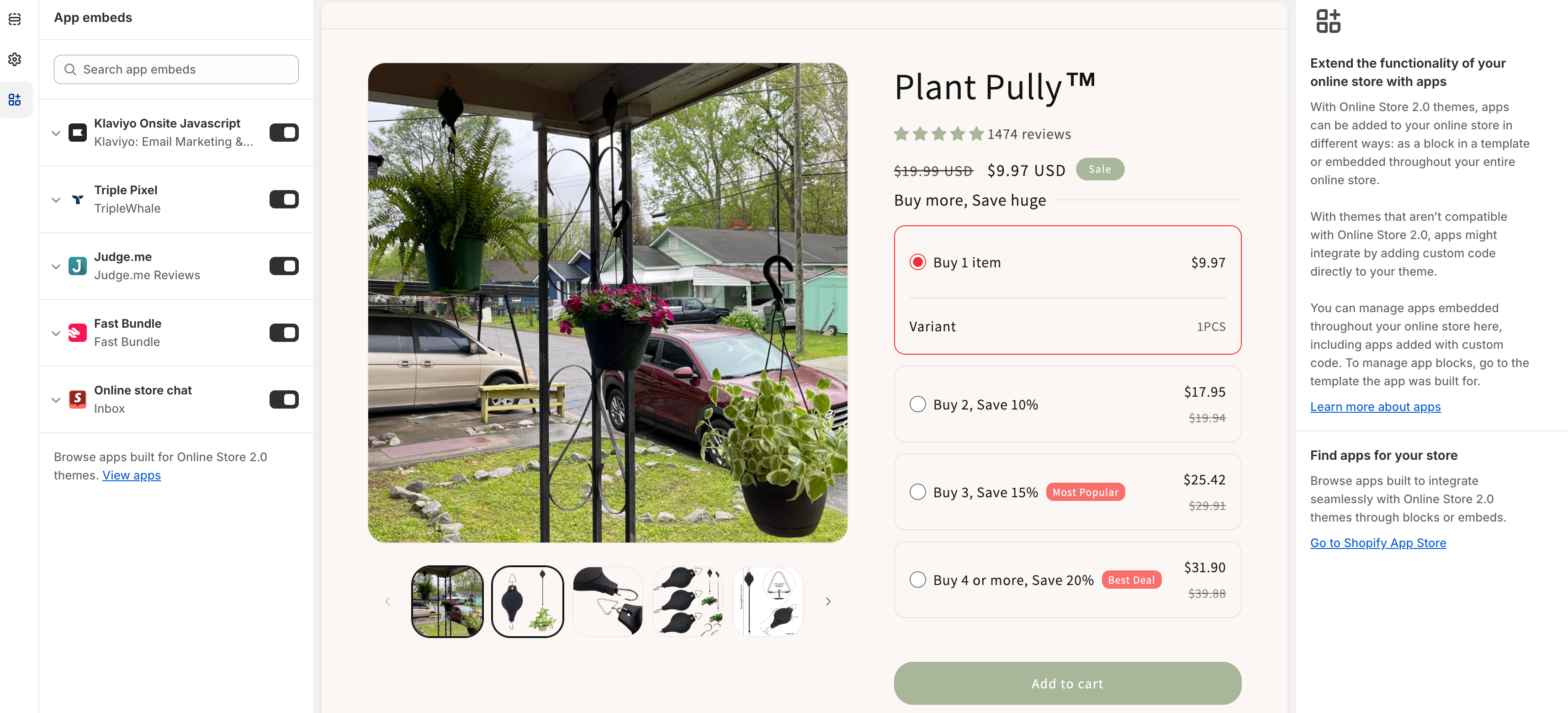
On 4/2 I installed the Klaviyo code snippet onto my Shopify store (Dawn theme). Snippet 2 accroding to their install guide is the one that worked for me. I tested and it seemed to work fine. But Shopify hasn’t sent any add to cart info to Klaviyo since my original test. I’m hoping someone knows why.

I am using a bundle app called Fast Bundle and it was installed when I originally set up and tested the snippet.

I have also unistalled and reinstalled the Shopify integration through Klaviyo to no avail. 

Can someone help me get this working?
 

This topic has been closed for replies.
Best answer by retention

HI @Plant Pully,

I think I found your site, and on a quick inspection of the source code, I don’t see the “Added to Cart” code snippet on your current live product page (the one in your screenshots).

Is it possible that when you were testing it, you were in a Shopify Theme preview, and you haven’t yet published it live? Or, perhaps another Theme you published replaced/overwrote the code snippet?

3 replies

Brian Turcotte
Klaviyo Alum
April 22, 2024

Hi @Plant Pully!

I’ll check on this internally and update the thread ASAP!

Best,
Brian

retention
Partner - Platinum
retentionAnswer
2025 Champion
April 22, 2024

HI @Plant Pully,

I think I found your site, and on a quick inspection of the source code, I don’t see the “Added to Cart” code snippet on your current live product page (the one in your screenshots).

Is it possible that when you were testing it, you were in a Shopify Theme preview, and you haven’t yet published it live? Or, perhaps another Theme you published replaced/overwrote the code snippet?

Joseph Hsieh // retentioncommerce.com // X: @retention
Contributor I
April 25, 2024

Hi @retention ,

I removed the code from the published store since it wasn’t working. Do you have a different solution?