


Contributor I
September 23, 2022
Solved

[Shopify] - How To Remove Minimized Widget

  • September 23, 2022
  • 2 replies
  • 374 views

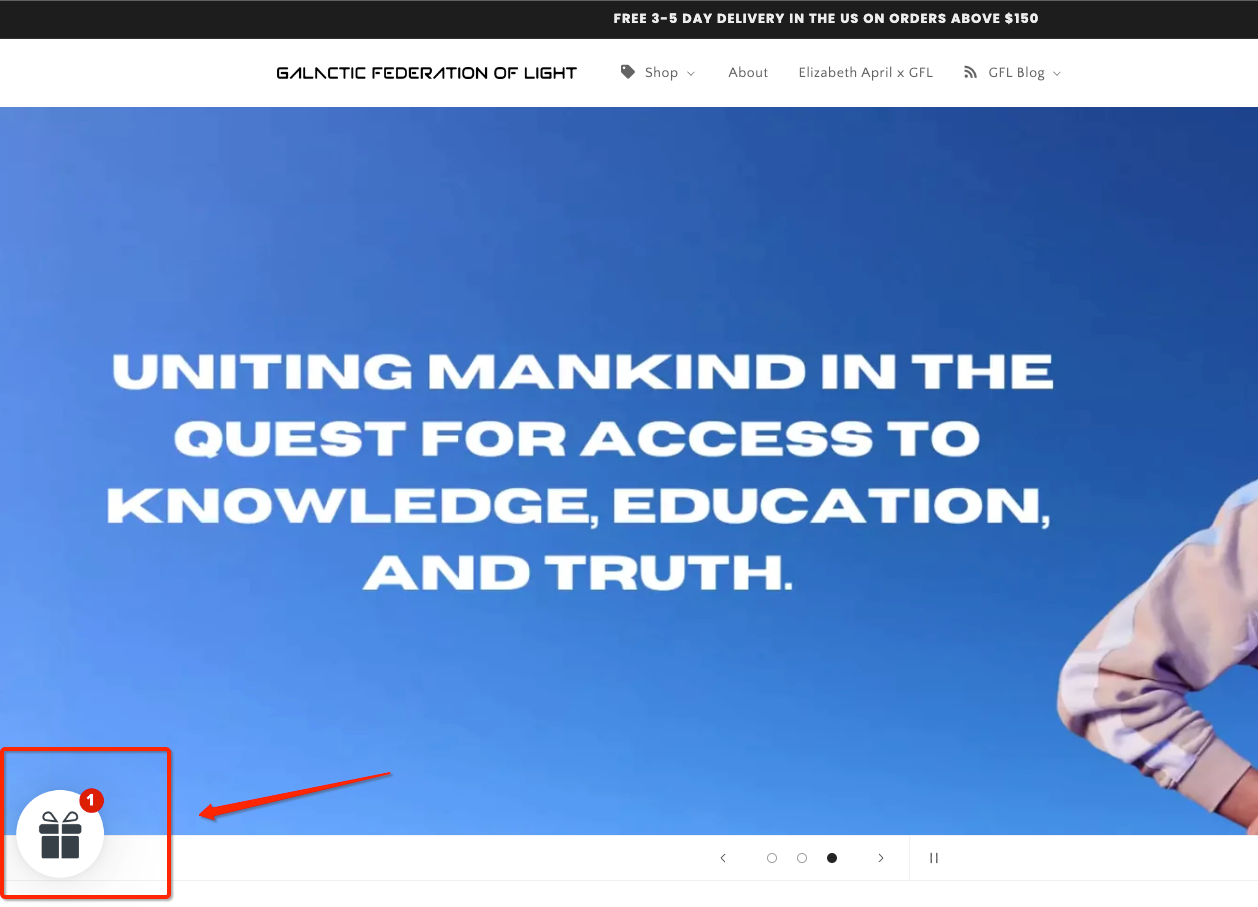
How do I remove this little widget on my Shopify store? It appears when you minimize the Klaviyo email form. How do I turn it off so I don't have a gift showing in the lower left on the screen? Website: www.galacticfederationoflight.com


This topic has been closed for replies.
Best answer by brit

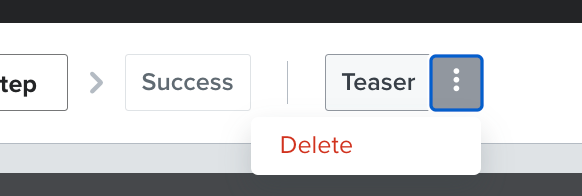
In your form build it’s called “Teaser”. If you don’t want it at all you could just delete the teaser section entirely. Here’s an article on all the settings you could customize for the teaser:  https://help.klaviyo.com/hc/en-us/articles/4411540984859-How-to-Add-a-Form-Teaser


2 replies

britAnswer
Contributor I
September 24, 2022

In your form build it’s called “Teaser”. If you don’t want it at all you could just delete the teaser section entirely. Here’s an article on all the settings you could customize for the teaser:  https://help.klaviyo.com/hc/en-us/articles/4411540984859-How-to-Add-a-Form-Teaser


Omar
Partner - Platinum
2025 Champion
September 24, 2022

@Oliver Raahauge I would suggest running an A/B test on this to make sure you're not removing a good working setup. This looks like it could potentially help with signups. At worse you'll learn something from it. Remember having consent to email someone is really valuable, list growth is important and can make a big impact down the line. 

Anyway, just my 2cents… hope this helps.


Omar Lovert // Polaris Growth // Klaviyo Master Platinum Partner

Helping E-commerce brands maximize Lifetime Value & Profits with Klaviyo, CRO & CVO - Get your free Audit - https://link.polarisgrowth.com/free-audit