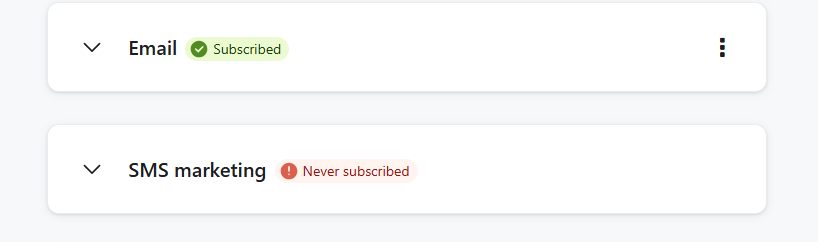
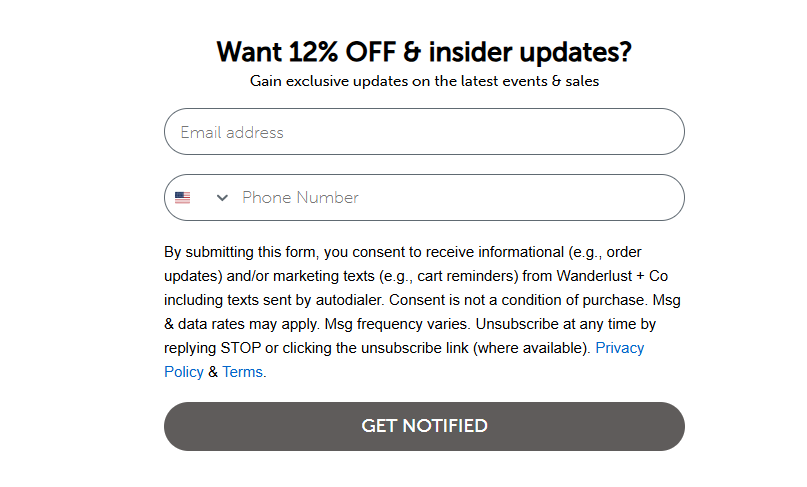
Hello, I wanted to send my existing email database to opt in to SMS thru an embedded form but when I tested with and email it doesn’t trigger the accepts SMS consent. Am i missing a field?
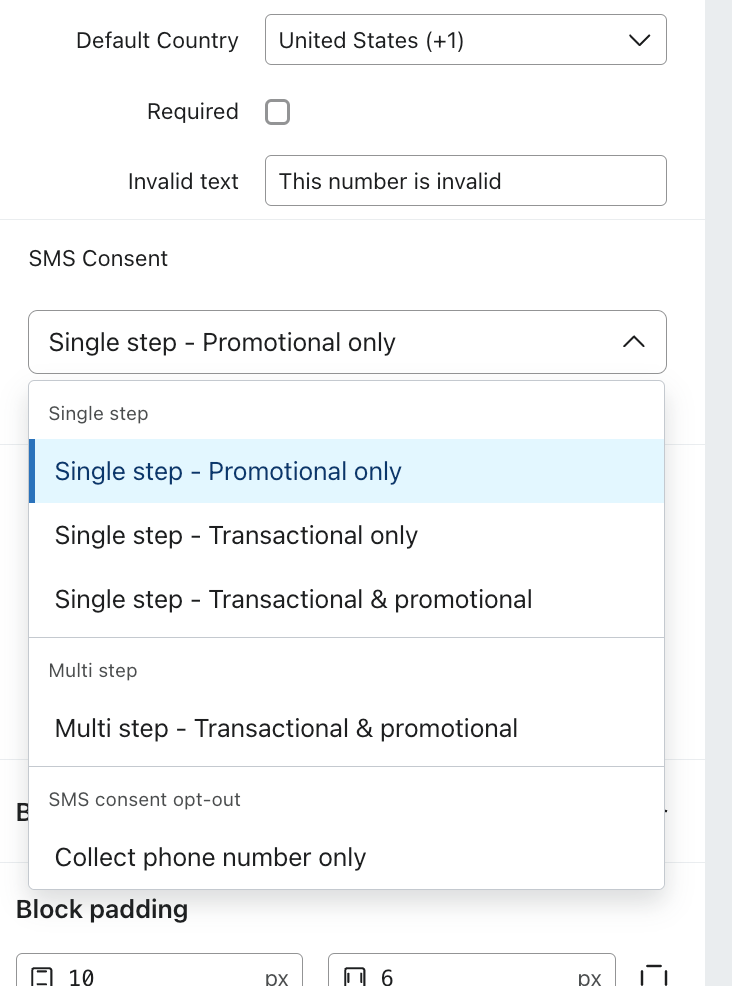
Thank you for posting your questions in the community. As @MANSIR2094 mentioned, there are a few things to check, but the primary one would be to ensure SMS consent is enabled on the Phone Field (Text blocks). To check this, go to your SMS opt-in field and click on it so that the configuration menu for that element appears on the left-hand side.
There, you’ll want to ensure you have selected the SMS consent option that best meets your needs for your campaign.
Once selected, you’ll want to save your form updates and retest. I know this helps.
Please let us know if you have any additional questions.
@In the Inbox
Bryan Richey // Klaviyo Champion & Email Strategist at In the Inbox // https://intheinbox.co/
Thanks for reaching out! Based on what I have seen here in your embedded form, It seems like the SMS consent isn't being captured properly.
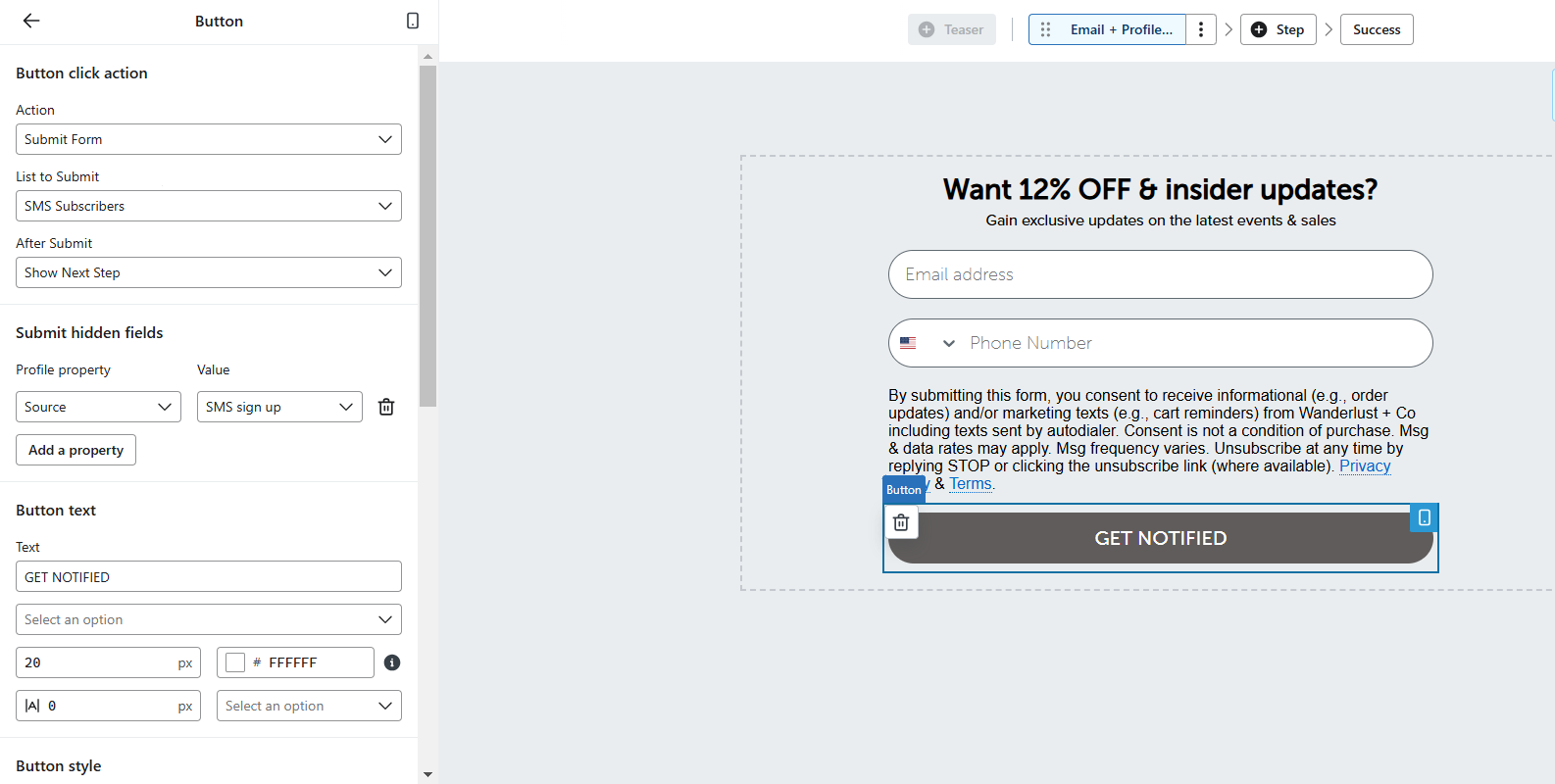
To fix this, let's make a few tweaks. First, jump into the form editor and select the submit button. Then, head to "Submit hidden fields" and click "Add a property". Set the "Profile Property" to Accepts SMS and the value to true.
While you're in the form editor, click on the phone number field and make sure SMS Consent Collection is enabled. This is crucial for capturing consent.
Next, head to Lists & Segments in Klaviyo, open the SMS Subscribers list, and click Settings. Ensure that "Collect SMS Consent" is enabled.
After making these changes, submit a test entry to see if the profile updates with Accepts SMS = true. If you're still having issues, let me know and we can make further adjustments!
Thank you for posting your questions in the community. As @MANSIR2094 mentioned, there are a few things to check, but the primary one would be to ensure SMS consent is enabled on the Phone Field (Text blocks). To check this, go to your SMS opt-in field and click on it so that the configuration menu for that element appears on the left-hand side.
There, you’ll want to ensure you have selected the SMS consent option that best meets your needs for your campaign.
Once selected, you’ll want to save your form updates and retest. I know this helps.
Please let us know if you have any additional questions.
@In the Inbox
Bryan Richey // Klaviyo Champion & Email Strategist at In the Inbox // https://intheinbox.co/