I am new to Klaviyo, just installed it yesterday! I have created my flows and imported my current customers. My welcome flow sent an email to all subscribers (even though I didn’t want to do that😕) how can I see what emails have been sent and to whom they have been sent to? How can I see what flows have been sent and who they have been sent to as well?
Thanks!
This topic has been closed for replies.
Best answer by jennym
Hi @Shonda
There are a few ways you can see what emails have been sent - and to whom.
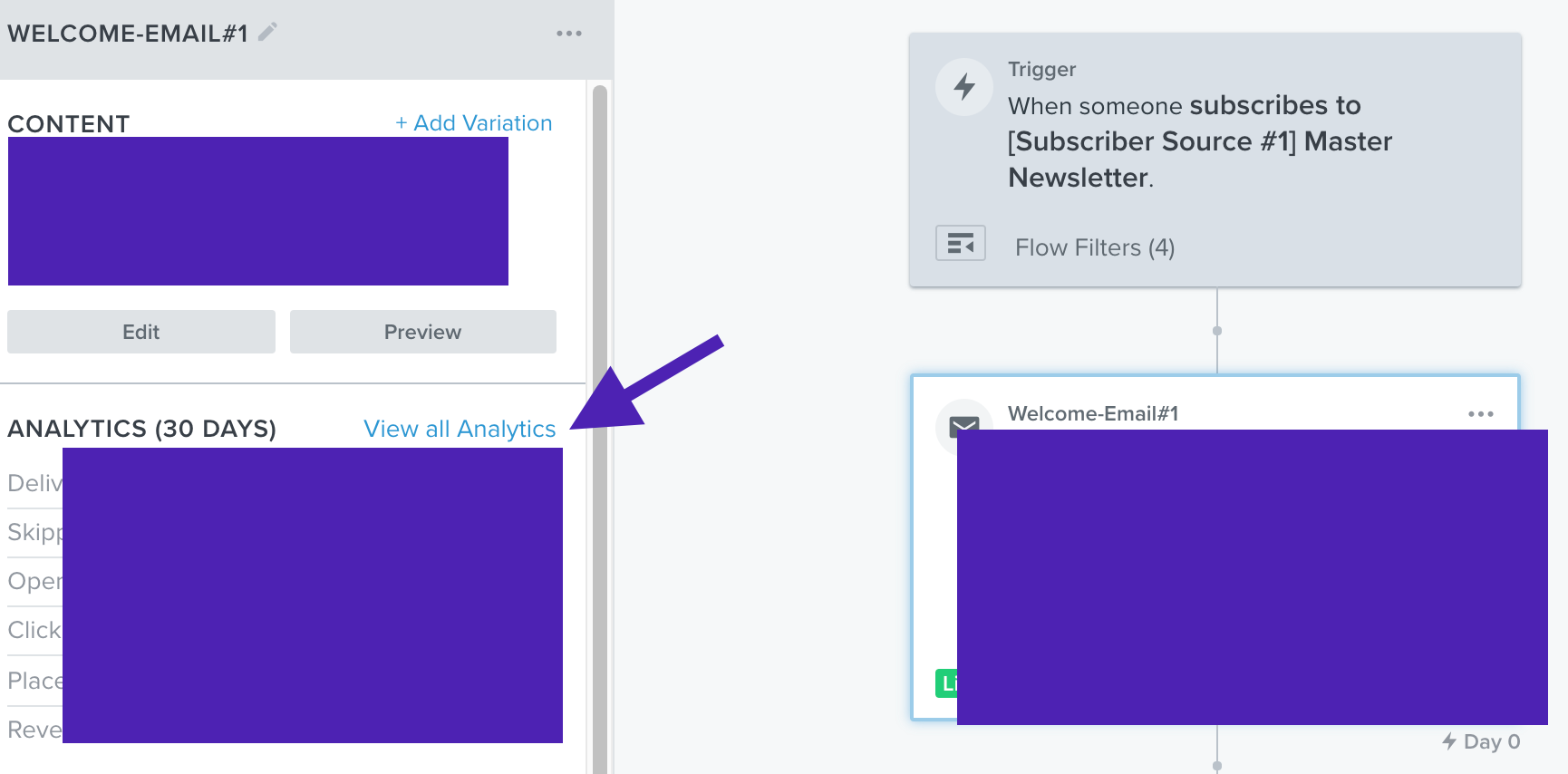
I would first go into the Welcome Flow and click on View Analytics for the 1st email in the flow.
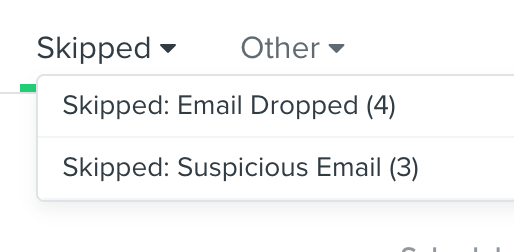
Once you’re inside the View analytics dashboard, you will see a section to view all recipients of that 1st email. You can see who received your flow email. You can also look at “Skipped Email” section to see who didn’t receive your email and why. Likely it has something to do with your flow filters if too many people received your email than expected.
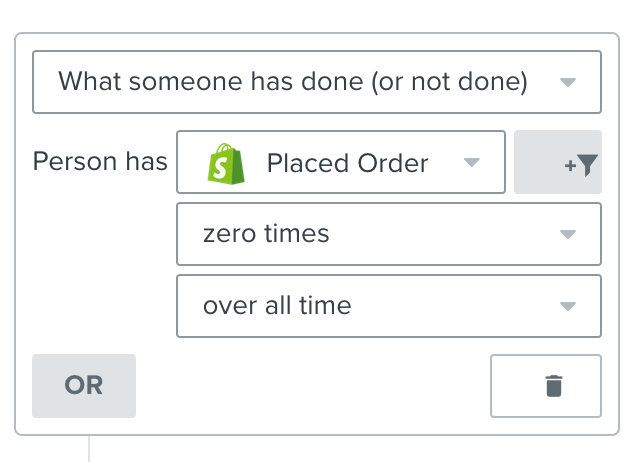
If you just imported all your customers into your Main Newsletter list AFTER you created and set the flow live - then likely what could have happened is that Klaviyo saw all those customers as “new” subscribers to your newsletter list, and therefore they qualified to receive the Welcome flow. Usually what you want to do in this case is put a filter in the flow that says “Placed Order Zero times” and any customers will be skipped for the Welcome Email.
There are a few ways you can see what emails have been sent - and to whom.
I would first go into the Welcome Flow and click on View Analytics for the 1st email in the flow.
Once you’re inside the View analytics dashboard, you will see a section to view all recipients of that 1st email. You can see who received your flow email. You can also look at “Skipped Email” section to see who didn’t receive your email and why. Likely it has something to do with your flow filters if too many people received your email than expected.
If you just imported all your customers into your Main Newsletter list AFTER you created and set the flow live - then likely what could have happened is that Klaviyo saw all those customers as “new” subscribers to your newsletter list, and therefore they qualified to receive the Welcome flow. Usually what you want to do in this case is put a filter in the flow that says “Placed Order Zero times” and any customers will be skipped for the Welcome Email.
-Jenny ✨// Klaviyo Silver Partner
A
Anonymous
December 29, 2021
@jennym thank you so much! That was very helpful 😊 back to editing I go!