


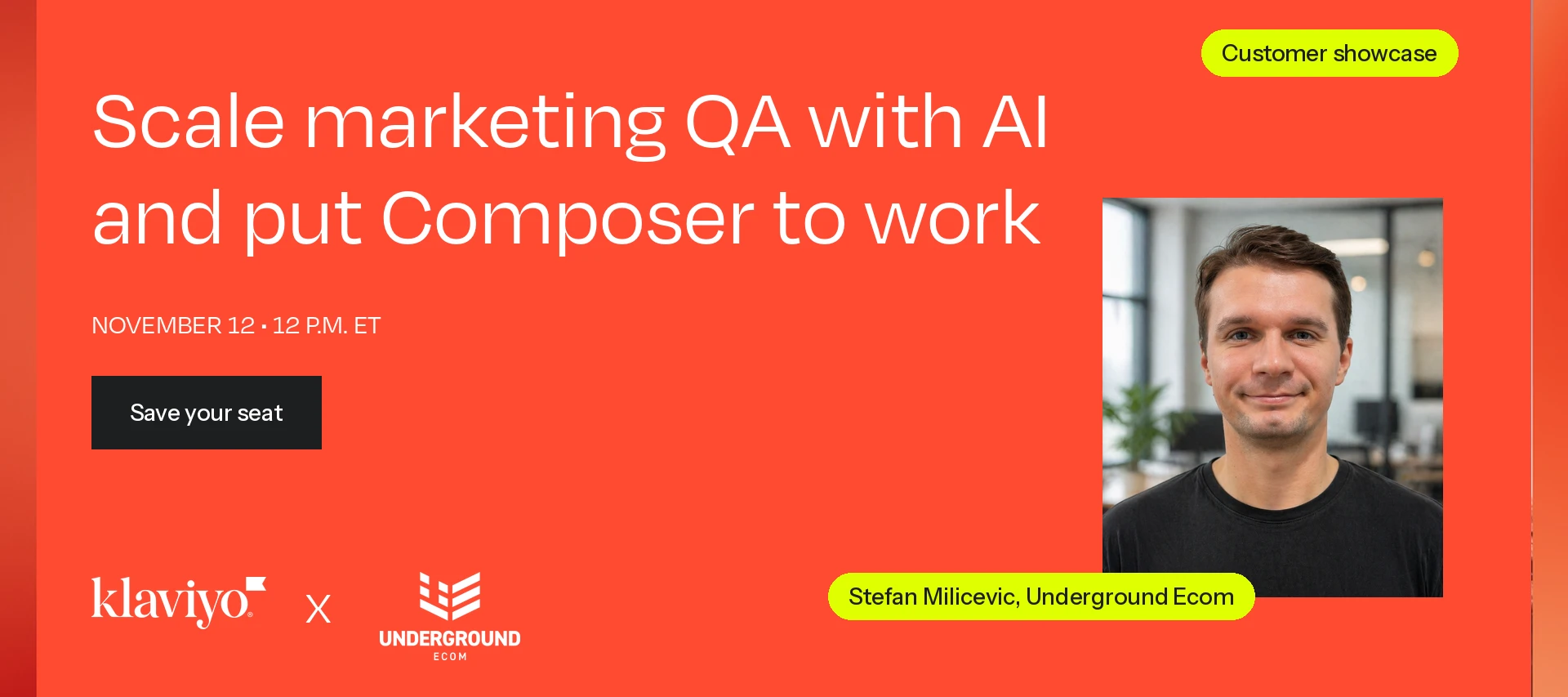
[Webinar Recap] Customer Showcase: Scale marketing QA with AI and put Composer to work
- 0 replies
- 29 views
Stefan's AI QA checklist and Composer prompts
One designer. Two strategists. Eleven Klaviyo accounts. Eighteen language and currency variants. Zero QA incidents in six months.
That's what Stefan Milicevic, Strategy Director at Underground Ecom, shared during our latest Klaviyo Community Customer Showcase.
His team manages CRM operations for a large global brand, where a single campaign can involve 20–30 variations across different markets. Manually reviewing every version would take approximately nine hours per campaign.
Instead of hiring more people or sacrificing quality, the team built an AI-assisted workflow using Claude for email quality assurance (QA) and Klaviyo Composer for performance analysis.
In this recap, we're sharing how it works, the results, and resources you can use to try it yourself.
Resources from Stefan:
- Download Stefan's email QA checklist
- View the presentation slides
- Copy the three example AI prompts below, adapted from Stefan's demonstrations.
The results: More output, less manual work
With just three team members, Underground Ecom reported:
- Zero QA-related incidents over six months
- 100% on-time content delivery with zero escalations in the reported 60-day period
- 60+ content pieces produced monthly
- 22% fewer emails sent year over year, with approximately 5–6% higher revenue
These results reflect the team's overall CRM strategy, including AI-assisted QA and analytics.
1. Automating email QA with Claude
The team started with something they already had: a detailed QA checklist.
They converted their campaign briefs into structured spreadsheets, then used Claude to compare the approved copy against finished test emails.
Here's the workflow:
- Structure the brief. Organize subject lines, preview text, body copy, CTAs, personalization, and translations into spreadsheet-style blocks, then export as a CSV.
- Provide the finished email. Stefan's team sends test emails to a dedicated Gmail inbox accessible to Claude.
- Run the checklist. Claude compares the rendered email against the brief, checking for missing copy, incorrect personalization, language issues, and more.
- Review the results. Every check receives a PASS, FAIL, VERIFY, or N/A status, with evidence explaining any issues.
Humans still handle visual reviews, live link testing, account settings, and final approvals.
Resource: Stefan's email QA checklist
Stefan shared the checklist his team uses, covering everything from copy accuracy and regional disclaimers to links, design, segmentation, and flow settings.
[Download the email QA checklist - PDF ATTACHED BELOW]
Try it yourself: Email QA prompt
Act as an email marketing QA specialist.

Compare the finished test email against the attached
approved campaign brief (CSV) and QA checklist.

Campaign: [NAME]
Region/language: [REGION]

Review:
- Subject line, preview text, and body copy
- Personalization and dynamic content
- Missing placeholders or incorrect translations
- Regional disclaimers and approved copy

For every check, return:
- PASS, FAIL, VERIFY, or N/A
- Evidence supporting the result
- Recommended action

Present findings in a structured table.

Do not guess when information is missing.
Flag visual checks, live links, and Klaviyo settings
for human review.

Finish with a prioritized error log.
Stefan's advice: The more structured your campaign brief, the easier it is for AI to catch errors. Start with one campaign and refine the process as you go.
2. Using Composer to diagnose underperforming flows
Once the team reduced time spent on QA, they turned their attention to performance analysis.
Stefan demonstrated how Composer helped investigate a decline in an abandoned checkout flow.
The analysis revealed that deliveries had dropped 9% and conversion value had fallen 8%, even though click and conversion rates remained relatively stable.
Interestingly, a later email was generating more value because its coupon appeared to capture conversions that an earlier email had lost.
Rather than simply recommending new copy or offers, Composer helped the team identify where to investigate next.
Try it yourself: Flow performance prompt
Analyze my [FLOW NAME] over the last [TIME PERIOD]
compared with the previous equivalent period.

Compare deliveries, clicks, conversions, conversion
rates, and conversion value for each email.

Identify:
1. Which metrics changed most significantly.
2. Which emails contributed most to the decline.
3. Whether the issue appears related to volume,
   engagement, or conversion.
4. Three follow-up investigations to prioritize.

Show the supporting numbers and calculations.

Separate confirmed findings from hypotheses.
3. Using Composer for campaign reporting and planning
Stefan also demonstrated how Composer can replace hours of manual reporting.
During a client meeting, he generated a comparison of campaign results against year-to-date averages and previous Black Friday sends in approximately two minutes.
The team could immediately discuss what the results meant and what to do next.
He also uses Composer to create reporting dashboards and analyze content performance across product categories for longer-term planning.
Try it yourself: Campaign benchmarking prompt
Analyze campaign [CAMPAIGN ID].

Compare its performance against:
- 2026 year-to-date campaign averages
- Equivalent Black Friday campaigns from 2025

Include:
- Revenue
- Click rate
- Bounce rate
- Unsubscribe rate
- Recipient count

Present results in a comparison table showing
percentage differences where applicable.

Highlight the biggest improvements and declines,
then recommend three actions for upcoming campaigns.

Explain any limitations in the comparisons.
4. What Stefan learned along the way
AI helped the team work faster, but Stefan emphasized that it isn't perfect.
A few lessons from the presentation and Q&A:
- Better inputs produce better outputs. Structured briefs, clear prompts, and brand documentation are essential.
- Don't let AI guess. Require evidence and flag uncertain findings for human verification.
- Keep refining your instructions. Stefan's team reviews AI mistakes monthly and updates its reusable workflows.
- You don't necessarily need two tools. Although the team uses Claude and Composer separately due partly to client data requirements, Stefan has also tested using Composer for QA.
- Keep humans involved. AI can handle repetitive checks, but final reviews and approvals still matter.
More questions for Stefan? Ask below.
Additional resources:
-
How to audit with Composer – Learn how to use Composer to review campaigns, flows, email content, and segments, identify issues, and prioritize improvements.
-
How to create recurring scheduled tasks in Composer – Automate recurring campaign reports, performance reviews, and other routine analysis.
-
How to create segments with Composer – Turn plain-language audience descriptions into segments, with tips for writing more accurate prompts.
-
Connect Claude to Klaviyo using MCP – Explore how to connect external AI assistants with your Klaviyo data.
-
How to test and preview flow messages – Review email personalization, message rendering, and flow logic before going live.
-
Getting started with Composer – New to Composer? Learn what it can do and how to start using it in your Klaviyo account.