Hey @Swish
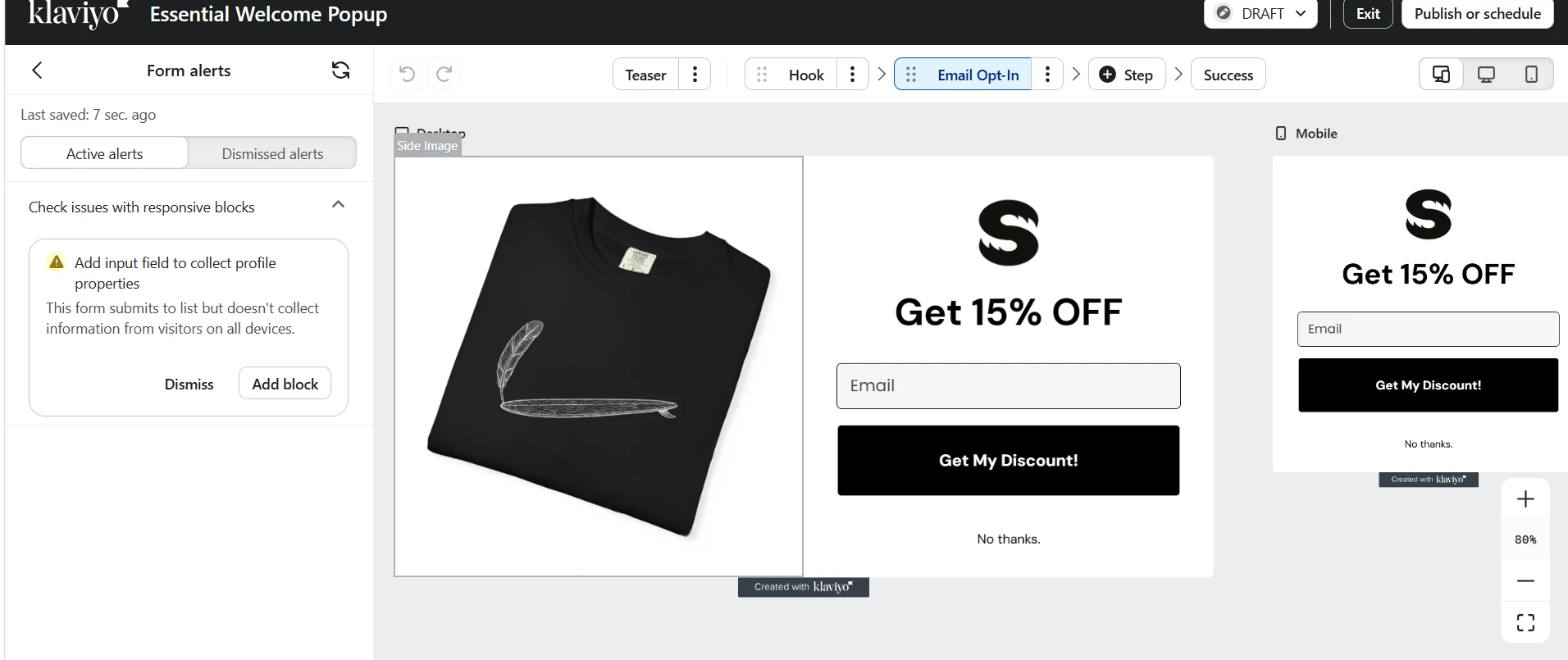
Can you try this? Click on the block containing your email input field and check its visibility or display settings. If it's set to show on desktop only, that would explain the warning. You'd want to make sure the email field is visible across all devices, or that each device layout (desktop and mobile) has its own input field.
You can also just click Add block directly from the alert on the left panel and see if Klaviyo guides you to the right spot automatically. That might be the quickest way to resolve it.
Let me know if this works, and thank you for posting your question here in the community
Cheers
Arpit