Solved
How to make back in stock button occupy full width of row? (same as normal button)
I’m using the Shopify Horizon theme and I’m having trouble making the back in stock button occupy the rest of the row, the way that a normal add to cart button does (see below screenshots). How do I make the back in stock button inherit the styling of a normal add to cart button?
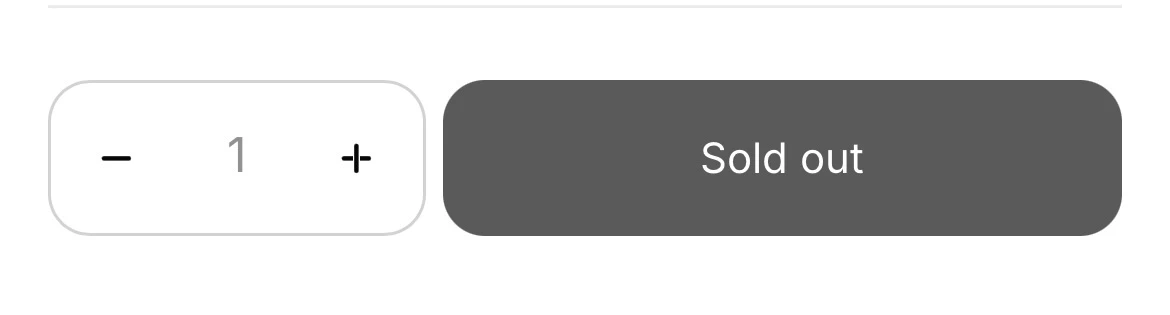

ChatGPT told me to add the below but I still am struggling with the same result.
Thank you for your help!
<div {{ block.shopify_attributes }} style="--add-to-cart-font-case: {{ settings.button_text_case }}; width:100%;">
  {% if can_add_to_cart %}
    {%- render 'add-to-cart-button',
      id: id,
      class: class | append: ' button--full-width',
      can_add_to_cart: can_add_to_cart,
      product: closest.product,
      add_to_cart_text: add_to_cart_text
    -%}
  {% else %}
    <!-- Placeholder that Klaviyo replaces -->
    <button type="button"
      class="button button--full-width klaviyo-bis-trigger"
      data-bis="true">
    </button>
  {% endif %}
</div>