
kxe4
Contributor III
Contributor III
January 10, 2025
Solved

GIF won't fill column on mobile

  • January 10, 2025
  • 5 replies
  • 225 views

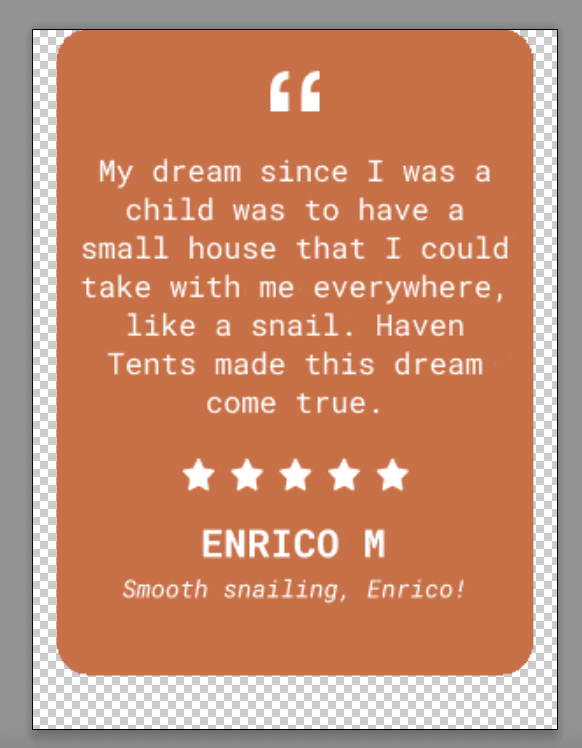
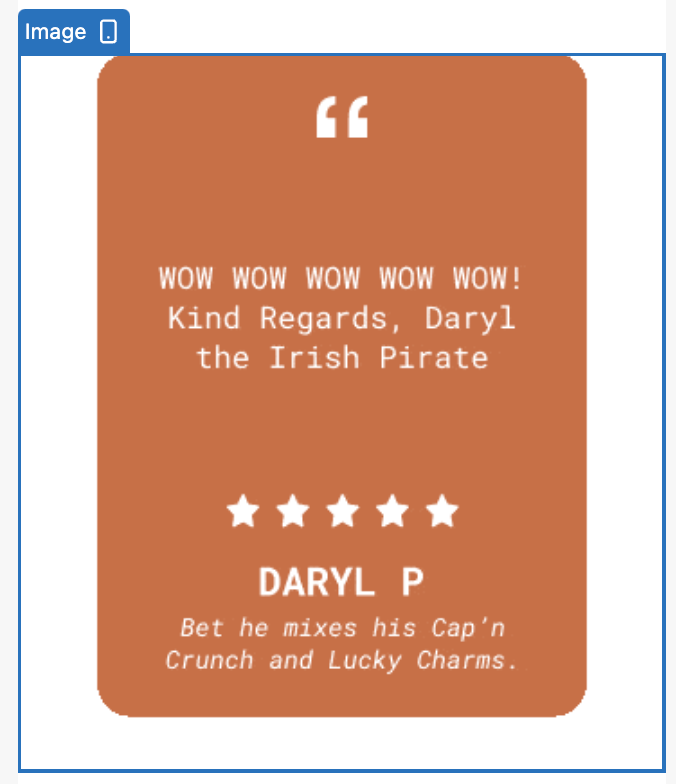
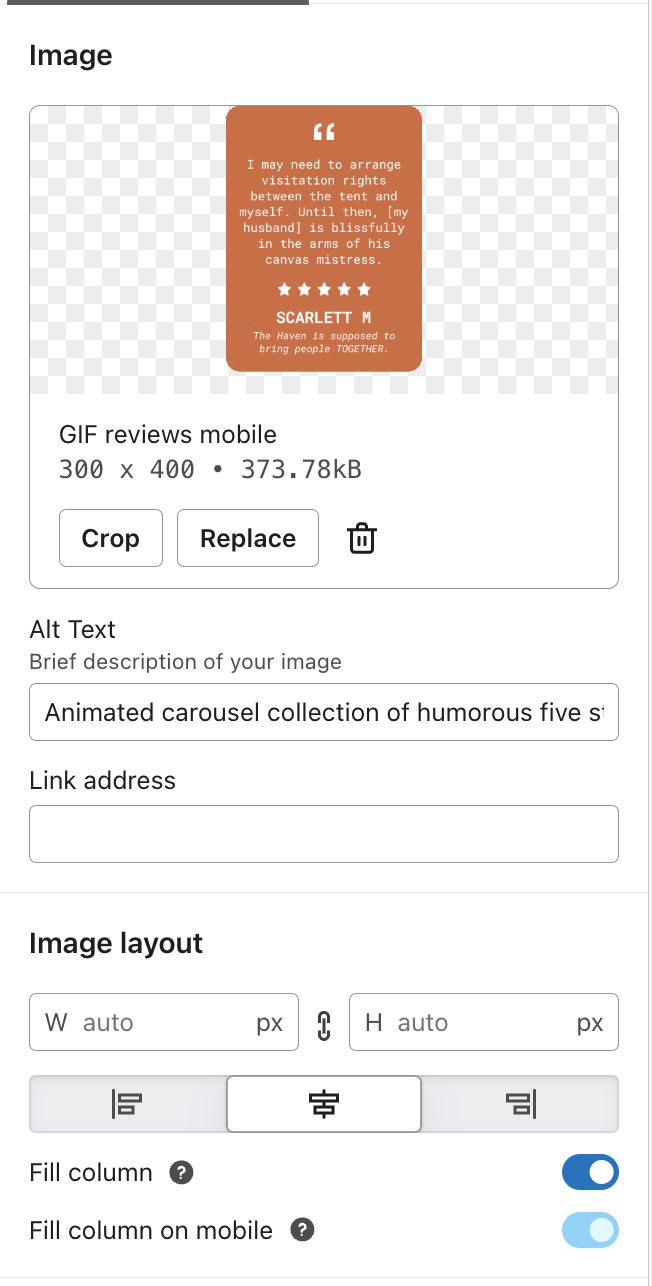
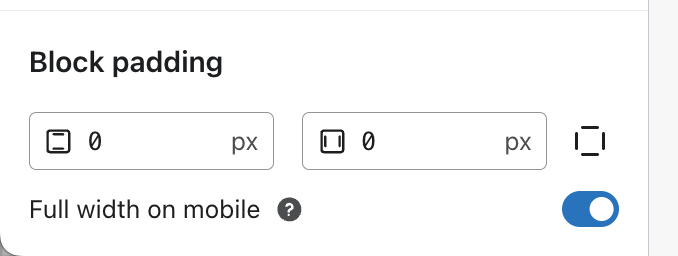
I’m a designer working on an email and Klaviyo seems to be adding extra padding to the image. It is not doing this to regular non GIF images that are the same size. How do I fix this?
 

    Best answer by Mich expert

    thanks for speaking upvkxe4 

    If your GIF isn't filling the column on mobile in Klaviyo, here's how to fix it:  

    1. **Resize the GIF**: Ensure the GIF matches the size of the container or column where it's placed. This solved the issue for others.  
    2. **Check Padding and Margins**: Use inline styles like `padding: 0;` and `margin: 0;` on the image tag to remove extra spacing.  
    3. **Use Design Tools**: Create a 1:1 design for your GIF using tools like Canva, export it, and re-upload it to Klaviyo.  
    4. **Test Across Devices**: Email clients display things differently, so test how it looks on different platforms.  

    Let me know if you need help with any step! 😊

    5 replies

    kxe4
    Contributor III
    kxe4Author
    Contributor III
    January 10, 2025

    (note the last image shows what the margins should look like) (please help this is due soon) haha

    Mich expert
    Expert Problem Solver II
    Expert Problem Solver II
    January 11, 2025

    To fix extra padding on GIF images in Klaviyo:

    1. **Check Image Size**: Ensure the GIF is the same dimensions as non-GIF images.
    2. **Edit HTML/CSS**: Inspect the HTML/CSS for any padding or margin styles applied to the image. Adjust or remove them.
    3. **Use Inline Styles**: Apply inline styles directly to the image tag to set `padding: 0;` and `margin: 0;`.
    4. **Test in Different Clients**: Sometimes, email clients render images differently, so test across platforms.

    If the issue persists, consider reaching back to me  for assistance.

    Best Regard

    Mich PRO

    Klaviyo Expert

    (+2348087340172) whatsapp
    Christiannoerbjerg
    Expert Problem Solver II
    2025 Champion
    January 12, 2025

    Hi ​@kxe4 

    Thank you for posting in the Community!

    I think the best possible way for solving this, would be to include the GIF in a 1:1 design in canva. Then save the design as a GIF and then include it into klaviyo again. 

    Hope that helps! :-) 

    Christian Nørbjerg Enger
    Partner & CPO
    Web: Segmento.dk
    LinkedIn: @christianfromsegmento
    Voldbjergvej 22b, 8240 Risskov

    kxe4
    Contributor III
    kxe4Author
    Contributor III
    January 14, 2025

    The solve to this was to change the size of the image, for anyone wondering ;)

    Mich expert
    Expert Problem Solver II
    Expert Problem Solver II
    January 14, 2025

    thanks for speaking upvkxe4 

    If your GIF isn't filling the column on mobile in Klaviyo, here's how to fix it:  

    1. **Resize the GIF**: Ensure the GIF matches the size of the container or column where it's placed. This solved the issue for others.  
    2. **Check Padding and Margins**: Use inline styles like `padding: 0;` and `margin: 0;` on the image tag to remove extra spacing.  
    3. **Use Design Tools**: Create a 1:1 design for your GIF using tools like Canva, export it, and re-upload it to Klaviyo.  
    4. **Test Across Devices**: Email clients display things differently, so test how it looks on different platforms.  

    Let me know if you need help with any step! 😊

    (+2348087340172) whatsapp