Contributor I
September 17, 2021
Solved

How to center social icons on mobile

  • September 17, 2021
  • 2 replies
  • 706 views

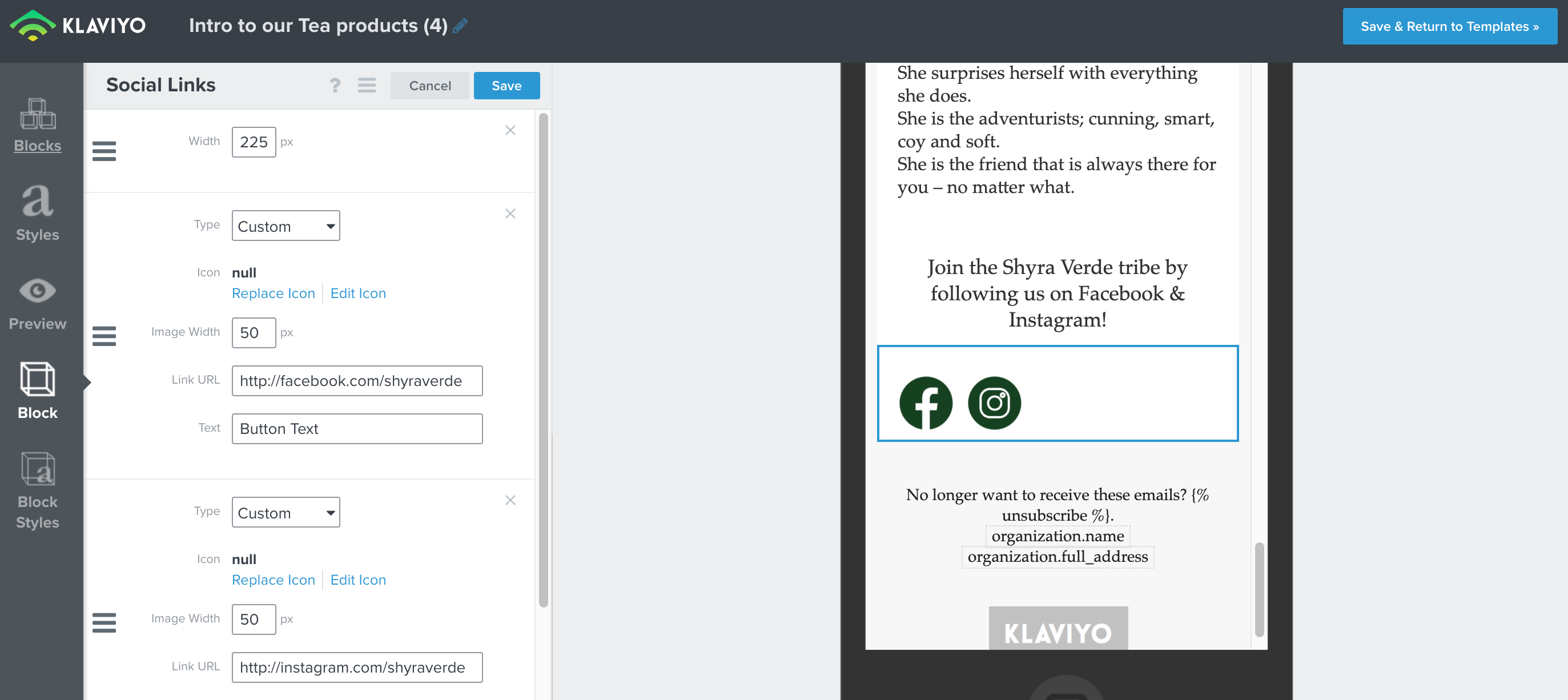
Can someone help me centre the social icons on mobile.


To do it for desktop I had to add a space - but I can’t figure out how to centre them on mobile.
 

    This topic has been closed for replies.
    Best answer by Julia.LiMarzi

    Hi @Niks, thanks for reaching out to the Community today!

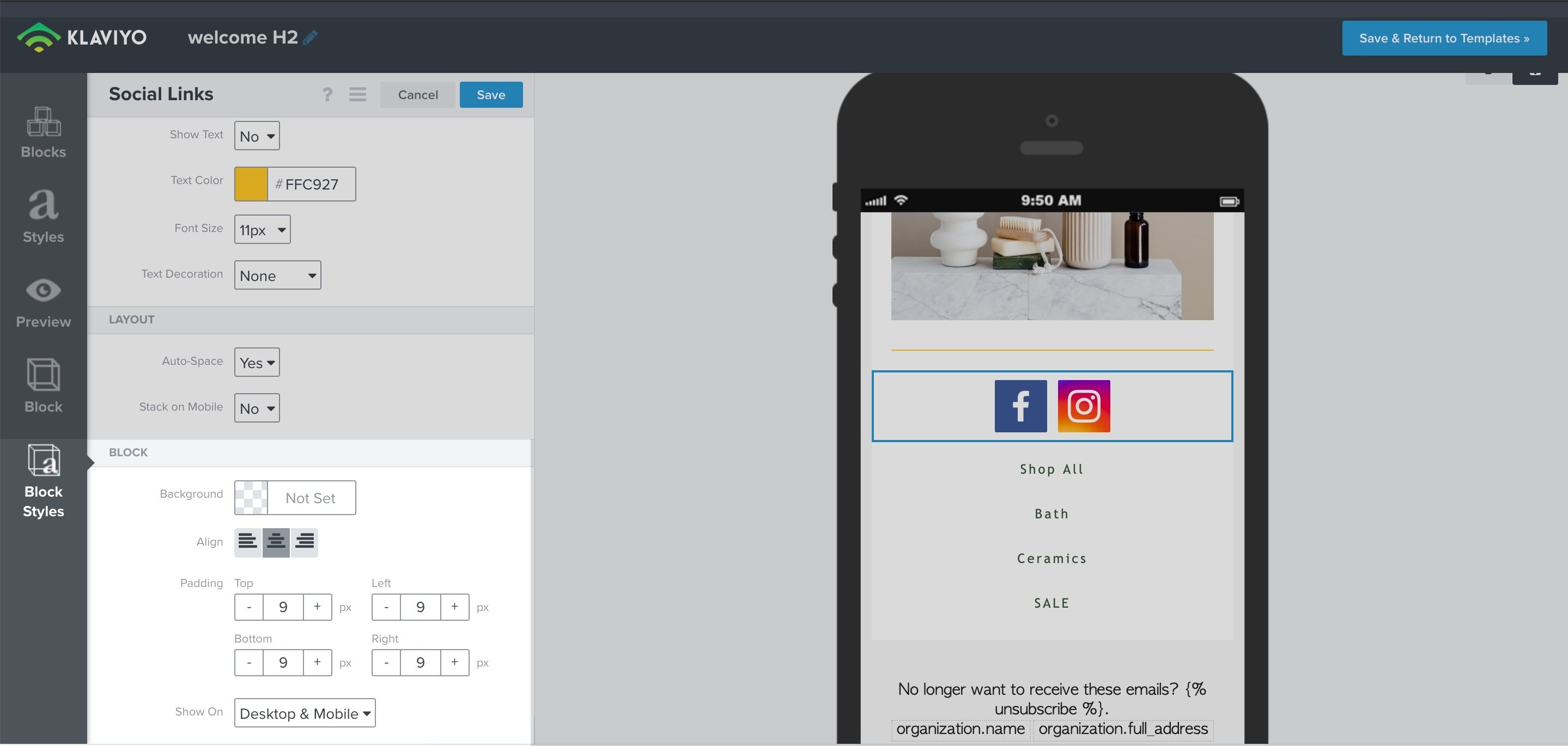
    You can adjust the placement of the icons under the Block Styles tab under Block > Align as shown in the image below.

    If you have separate blocks for the desktop vs mobile version, make sure you have the mobile version selected when editing the styles.

    I hope this helps!

    2 replies

    Julia.LiMarzi
    Klaviyo Employee
    Klaviyo Employee
    September 17, 2021

    Hi @Niks, thanks for reaching out to the Community today!

    You can adjust the placement of the icons under the Block Styles tab under Block > Align as shown in the image below.

    If you have separate blocks for the desktop vs mobile version, make sure you have the mobile version selected when editing the styles.

    I hope this helps!

    -Julia
    NiksAuthor
    Contributor I
    September 17, 2021

    THANK YOU!