Contributor I
September 3, 2021
Solved

How to check my domain email inbox?

  • September 3, 2021
  • 1 reply
  • 732 views

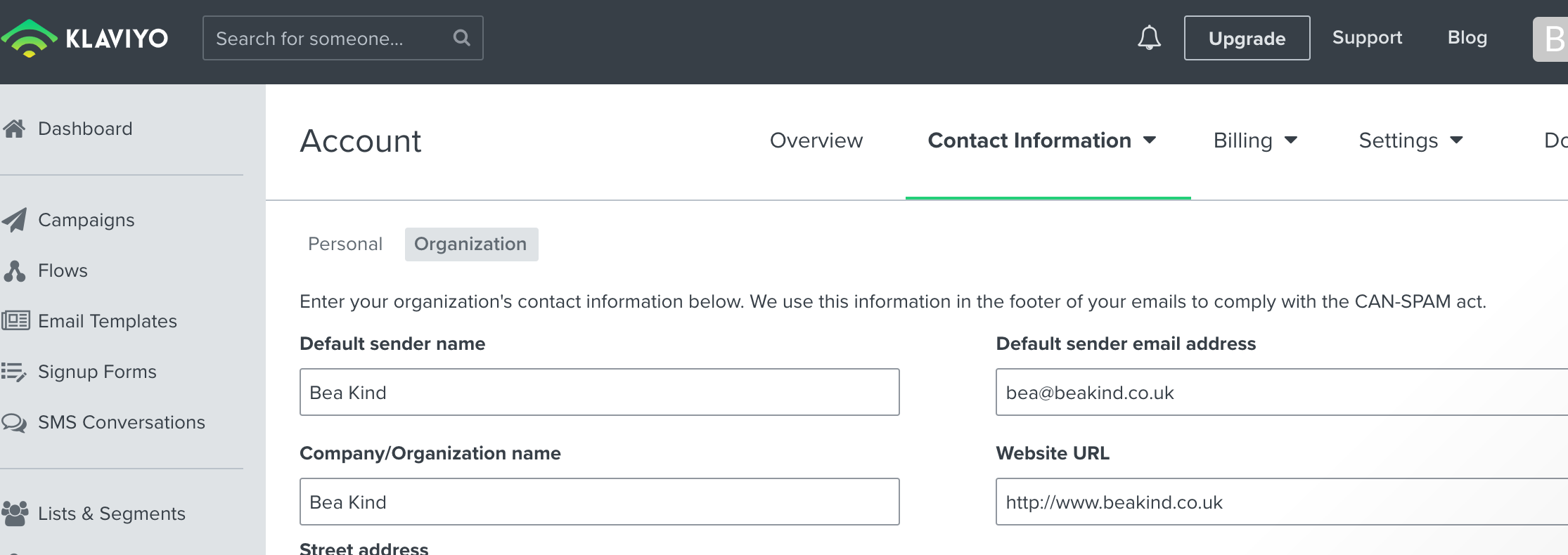
I've recently set up my Klaviyo account and integrated it with my shopify website. It recommended I create an email address that contains my domain name (rather than the outlook email which I have been using) which is now set as the default for replies etc when I send an email campaign. How do I check the inbox for it?? I can’t find it anywhere! Image attached - I want to check my inbox for bea@beakind.co.uk

I never created a password for it or anything, just typed it in when creating my first flow, as it was the recommended. 


    This topic has been closed for replies.
    Best answer by julie.accardo

    Hi @beakindbybea,

    Thanks for reaching out to the Klaviyo Community!

    In order to access the inbox of bea@beakind.co.uk, you would need to create a new inbox through whichever ISP you want to use, as long as it’s available. I’d recommend holding off on sending any emails from this branded email address until you’ve had a chance to open the inbox for it. 

    I hope this helps!

    Julie


    1 reply

    julie.accardo
    Klaviyo Employee
    Klaviyo Employee
    September 4, 2021

    Hi @beakindbybea,

    Thanks for reaching out to the Klaviyo Community!

    In order to access the inbox of bea@beakind.co.uk, you would need to create a new inbox through whichever ISP you want to use, as long as it’s available. I’d recommend holding off on sending any emails from this branded email address until you’ve had a chance to open the inbox for it. 

    I hope this helps!

    Julie


    JA