Hi @kaphane,
Welcome to the Community and thanks for posting your question here!
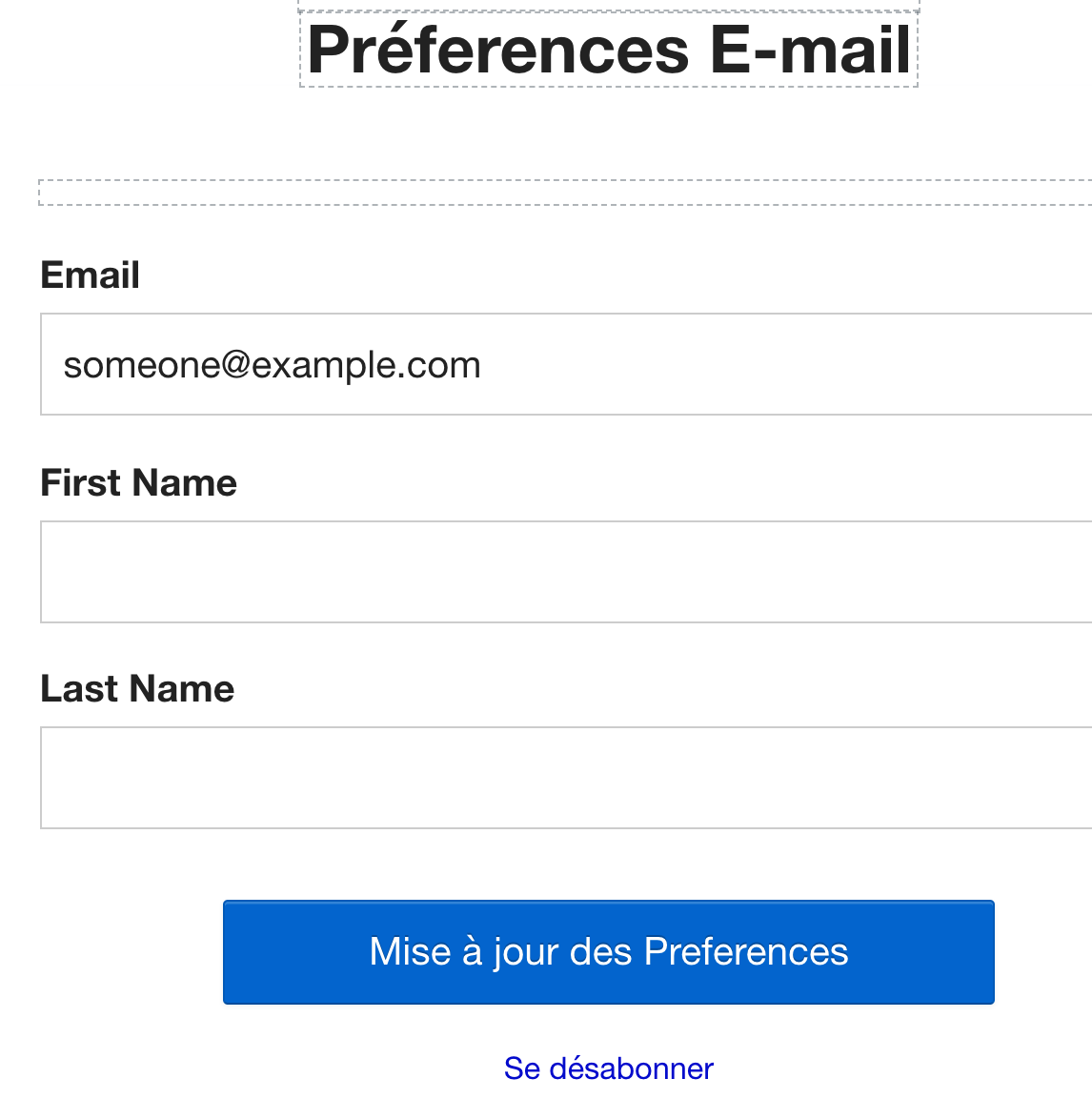
You can switch your manage preferences page to a different language, but only the text that are outside of the dotted boxes will be converted to a different language. All other text can be manually updated.
To update the language, navigate to the list's setting page and make the switch from there. Point of reference: Klaviyo's Support for Multiple Languages.
To manually update other texts, click on the text and the Edit Field panel will appear on the left so you can update. See example below.


Thank you and hope this helped!
Alex