


Contributor I
February 21, 2025
Solved

i cant Login to Klaviyo from my computer

  • February 21, 2025
  • 3 replies
  • 1039 views

I cant log in. When I click on the Log In buton, it take me to a white page.


I already clear the cache, delete extensions, but nothing seems to work.
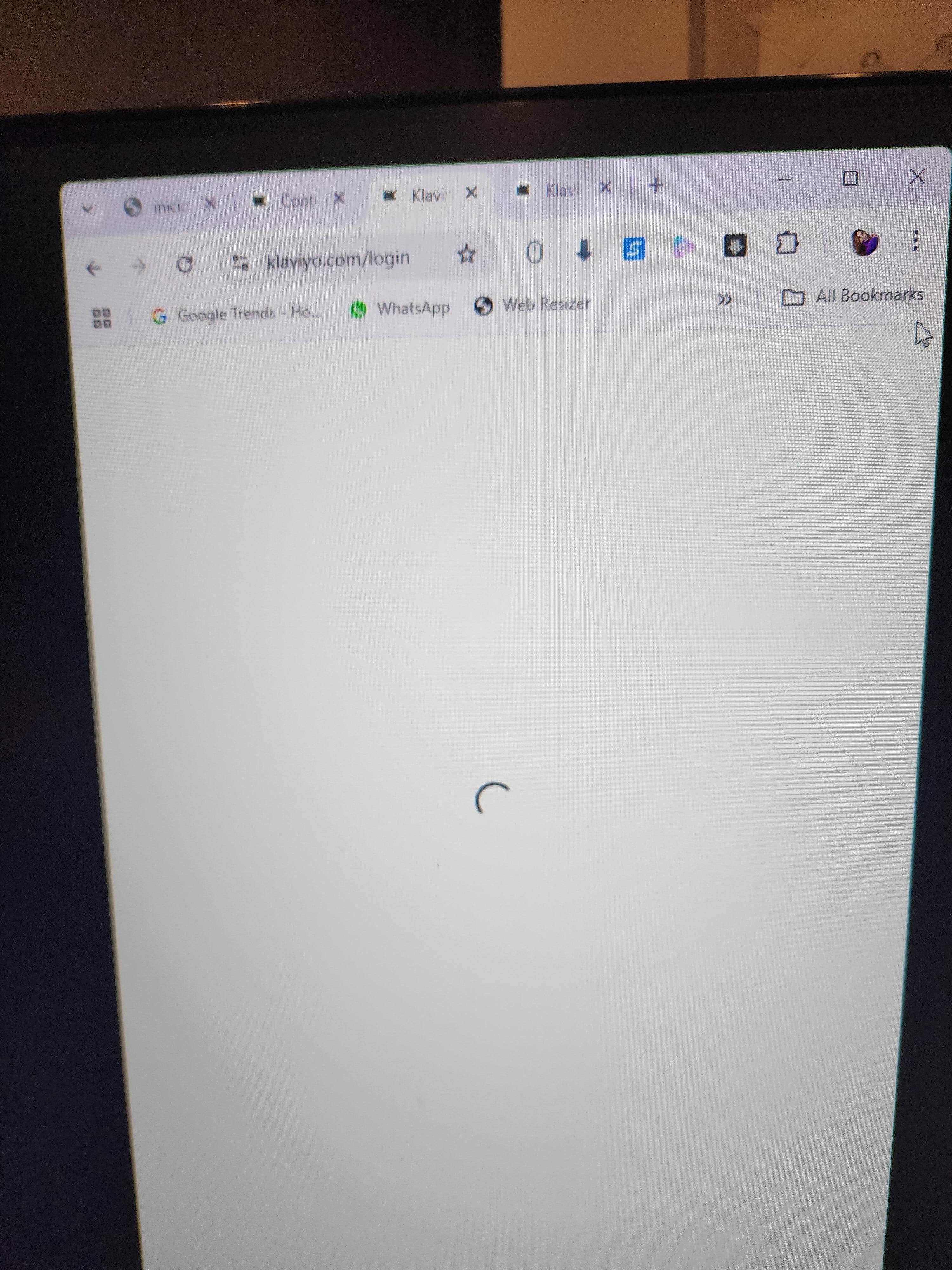
 

Please help !,


I can access from my phone, but creating a campaign from phone its really hard.

    Best answer by MANSIR2094

    Hello ​@Linishc28 ​

    Try using a different browser or opening an Incognito window to see if the issue persists. Restart your router and disable any VPNs or firewalls that might be interfering. Right-click on the white page, select Inspect > Console, and check for any errors. If you see a 500 error, it could be a server issue. You can also try logging in from a different internet connection, such as mobile data. Clearing your local DNS cache may help; on Windows, run ipconfig /flushdns in Command Prompt, and on Mac, run sudo killall -HUP mDNSResponder in Terminal. Check status.klaviyo.com to see if there’s an ongoing outage. If the problem continues, do you see any error messages?

    3 replies

    TJ Mapes
    Problem Solver IV
    2025 Champion
    February 21, 2025

    Hey, thanks for reaching out to the community Linishc28. I hate to say it, but if your needs are immediate (and with campaigns they usually are) I’d use a different browser for the time being. Then I’d try the tried and true method of restarting your computer. I know it sounds silly, but nice times out of ten it works!

    Good luck!

    Problem Solver IV
    February 21, 2025

    Hi,
    To add onto ​@TJ Mapes answer….also check for any antivirus or firewalls or ad blockers that might be interfering with the login process

    We help businesses with Klaviyo setups, integrations, and customizations. Reach out and learn more on farioconsulting.com
    MANSIR2094
    Expert Problem Solver IV
    Expert Problem Solver IV
    February 21, 2025

    Hello ​@Linishc28 ​

    Try using a different browser or opening an Incognito window to see if the issue persists. Restart your router and disable any VPNs or firewalls that might be interfering. Right-click on the white page, select Inspect > Console, and check for any errors. If you see a 500 error, it could be a server issue. You can also try logging in from a different internet connection, such as mobile data. Clearing your local DNS cache may help; on Windows, run ipconfig /flushdns in Command Prompt, and on Mac, run sudo killall -HUP mDNSResponder in Terminal. Check status.klaviyo.com to see if there’s an ongoing outage. If the problem continues, do you see any error messages?

    Mansir Digital Portfolio