


Contributor I
October 5, 2021
Solved

Insert Property | Firstname|default change in Capital Letters

  • October 5, 2021
  • 3 replies
  • 5125 views

Good day,

I use Klaviyo for the abandoned cart option, for my whole text i use capital letters, but for now it’s not possible to change the Firstname|default in Insert Property to capital letters. 
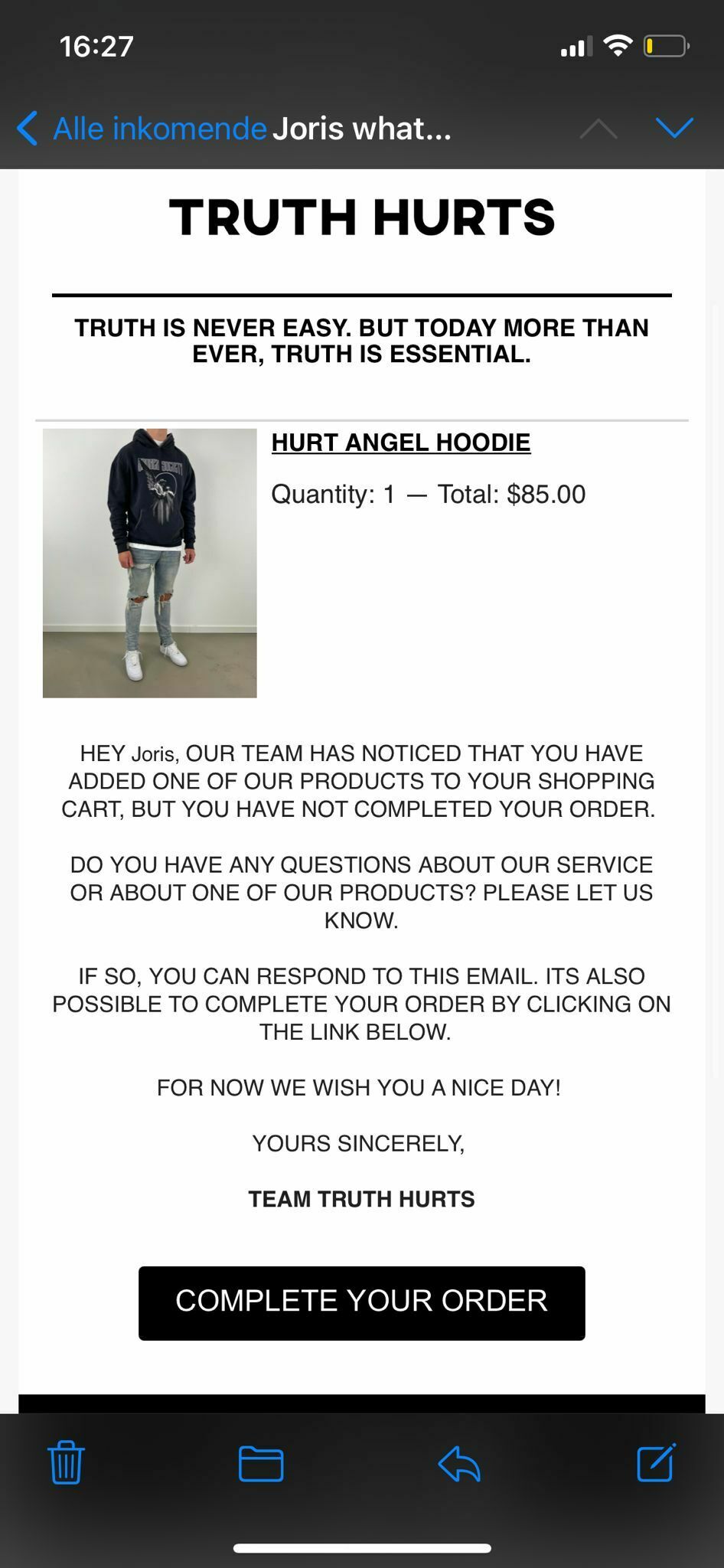
 

I hope that somebody can help me with.

Looking forwards to a solution.

Kind regards,

Joris

This topic has been closed for replies.
Best answer by retention

Hi @JorisTruthHurts - welcome to the community!

You can use “Template Tag Filters” which are handy little functions that can apply formatting or styling to Template variables. For example, if you want to change the value to “All Caps” - there is a filter called upper that you can use.  

Specifically to change the First Name variable to all upper case, you can use this code:

{{ first_name|upper|default:'there' }}

For reference, here’s a few other Filters that might be helpful too:

Hope this helps!

3 replies

retention
Partner - Platinum
retentionAnswer
2025 Champion
October 5, 2021

Hi @JorisTruthHurts - welcome to the community!

You can use “Template Tag Filters” which are handy little functions that can apply formatting or styling to Template variables. For example, if you want to change the value to “All Caps” - there is a filter called upper that you can use.  

Specifically to change the First Name variable to all upper case, you can use this code:

{{ first_name|upper|default:'there' }}

For reference, here’s a few other Filters that might be helpful too:

Hope this helps!

Joseph Hsieh // retentioncommerce.com // X: @retention
Contributor III
June 14, 2022

Hi there!


This was helpful. How can I set only the first letter capital? Like this: Joseph and not JOSEPH


Thank you

Problem Solver I
July 29, 2022

Use ‘title.

{{ first_name|title|default:'there' }}