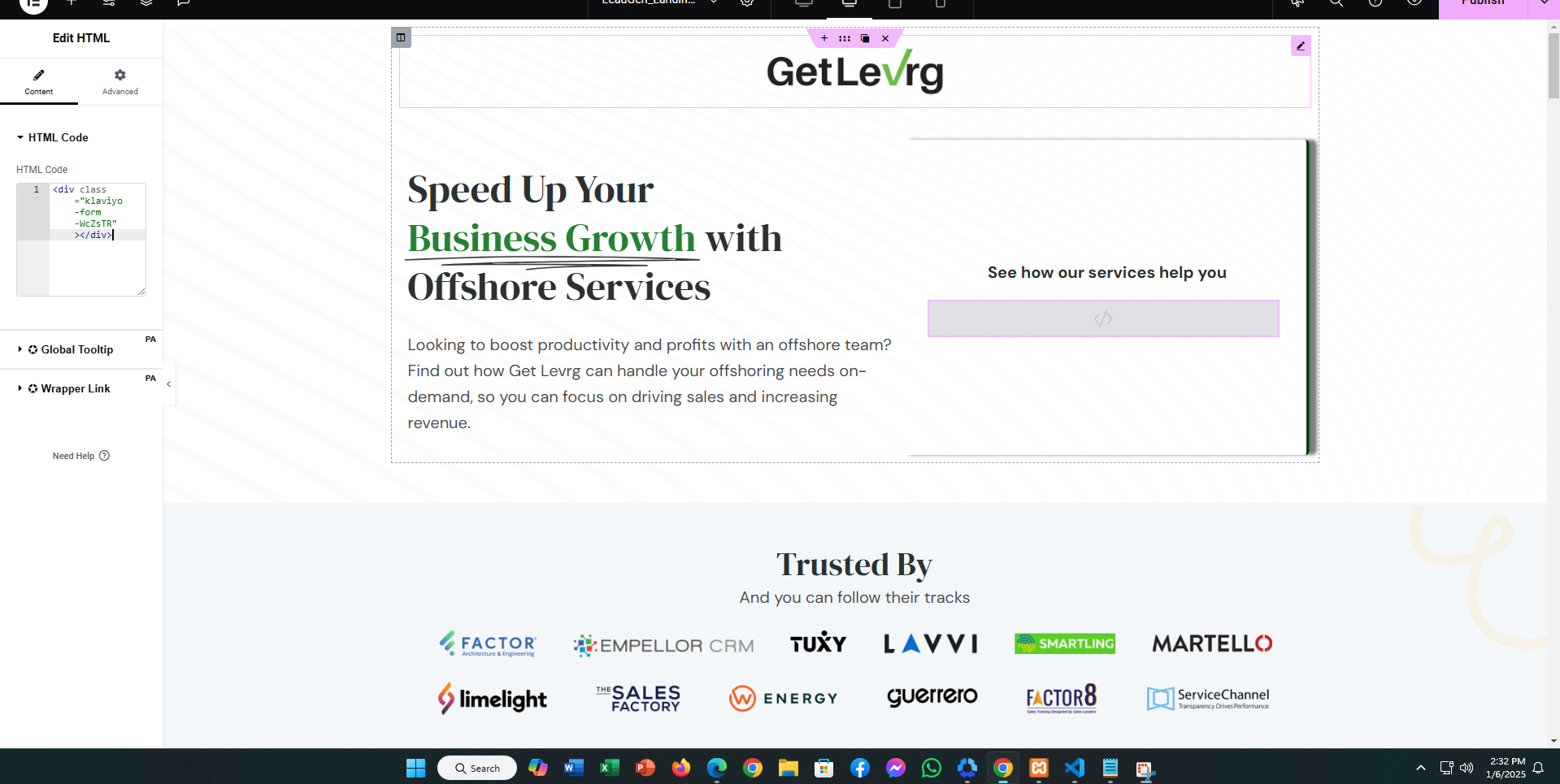
If your Klaviyo form is not showing on your WordPress website, here are some steps to resolve it:
-
Check Plugin Installation: Ensure the Klaviyo plugin is properly installed and activated on your WordPress site.
-
Form Embed Code: Verify that the form embed code is correctly added to your website. Place it in the desired section using the HTML block or widget.
-
Cache Issues: Clear your browser cache and any caching plugins on your WordPress site to ensure the latest changes are visible.
-
Theme Compatibility: Test the form with a default WordPress theme (like Twenty Twenty-Three) to rule out theme-related conflicts.
-
Conflicting Plugins: Disable other plugins temporarily to check if there’s a conflict preventing the form from displaying.
-
Pop-up Blockers: If the form is a pop-up, ensure no browser extensions or settings are blocking it.
-
Klaviyo Support: Check Klaviyo’s troubleshooting documentation or contact their support if the issue persists.
By following these steps, your Klaviyo form should appear correctly on your WordPress site.