


Contributor III
November 8, 2023
Solved

Logo image in "Header Bar" gets forced padding when switching to mobile preview.

  • November 8, 2023
  • 4 replies
  • 451 views

Here’s the header logo image (entire black box is an image) in desktop preview:

 

And here it is on mobile (with padding, even though I have set no padding):
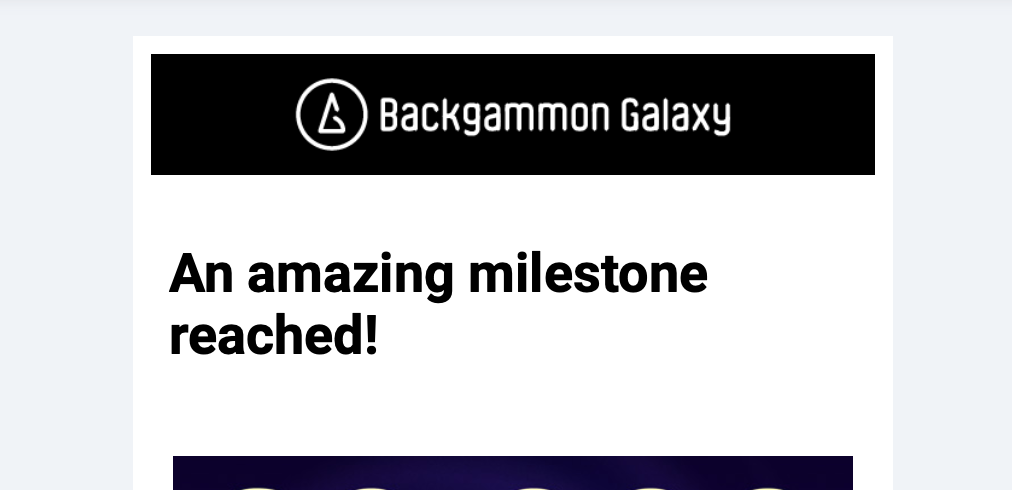


Please help me figure out what’s going wrong here. I have tried everything.

    This topic has been closed for replies.
    Best answer by Taylor Tarpley

    Hi @WilsonSemilio


    Thank you for your patience! 


    Are you seeing the same issues when mobile optimization is turned off


    -Taylor 

    4 replies

    Taylor Tarpley
    Community Manager
    Community Manager
    November 9, 2023

    Hi there @WilsonSemilio


    Welcome to the Community! Happy to help! 


    Do you mind sharing what browser you were using to view the email on mobile as well as whether or not your mobile optimization is turned on or off? 


    Thanks for participating in the Community!

    -Taylor 

    Contributor III
    November 9, 2023

    Hi Taylor! Sure:


    Safari 16.6 (18615.3.12.11.2)

    I believe mobile optimisation is turned ON.


    Contributor III
    February 8, 2024

    Hi. Any news? I still have this issue...

    Taylor Tarpley
    Community Manager
    Community Manager
    February 12, 2024

    Hi @WilsonSemilio


    Thank you for your patience! 


    Are you seeing the same issues when mobile optimization is turned off


    -Taylor
