


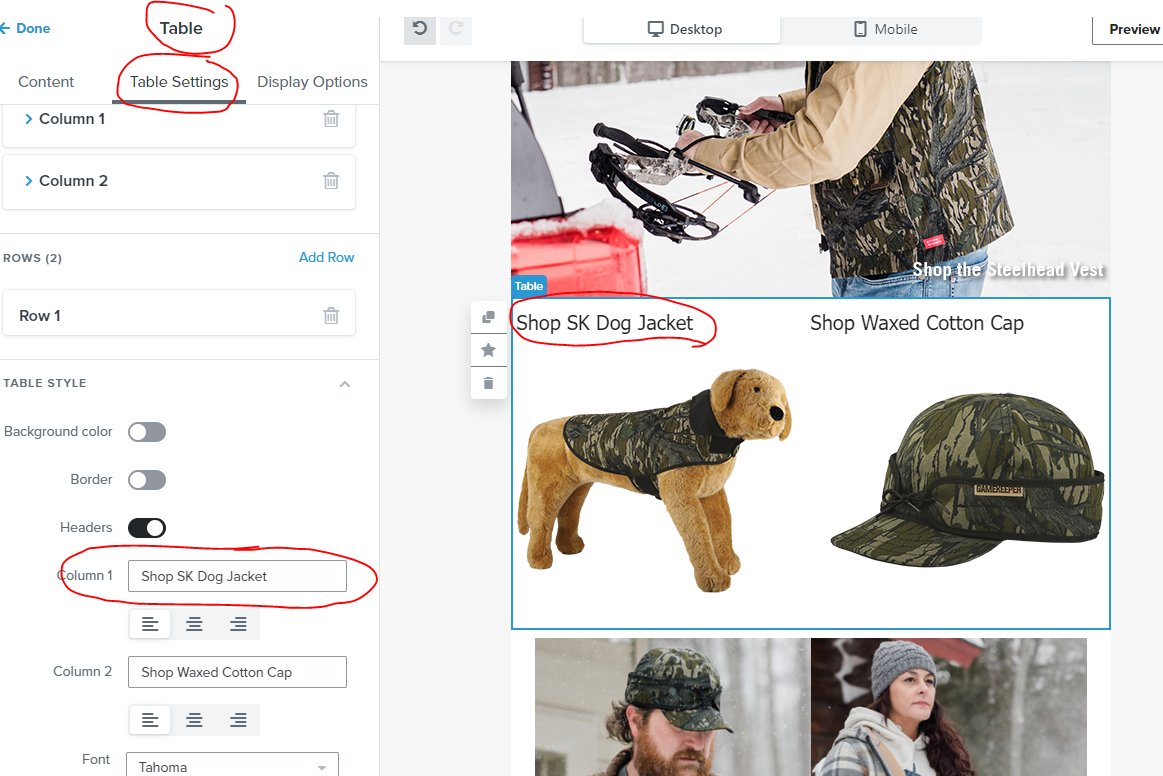
I am using the new editor and have run into an issue. I am using the table block with copy and an image. When I try to type copy in the Column box under Table Settings/Table Style (see image below), I need to re-select the box after every letter or space or delete...I cannot type normally to create the copy that will be shown in my email.
Has anyone else run into this issue? Is there something I’m doing wrong? Is there a solution or workaround?
thanks!
Best answer by stephen.trumble
Hey @Andrea at Stormy
Thank you so much for asking the community for help with this. I know I would find it incredibly frustrating if I couldn’t type like normal. If you are still experiencing this after clearing your browser history and cookie cache, I would open a support ticket from your account. This should not be happening and seems like a bug. Support will have access to your account to test what you are experiencing and will be able to help with a solution. Thanks again!
Search saves time. Contributing compounds value.
The ROI of your reply? One helpful answer can support dozens of teams, build your credibility, sharpen your own expertise over time, foster connectivity, and create good karma – because what goes around comes around. The community is what YOU make it.