Hey @Sumaya,
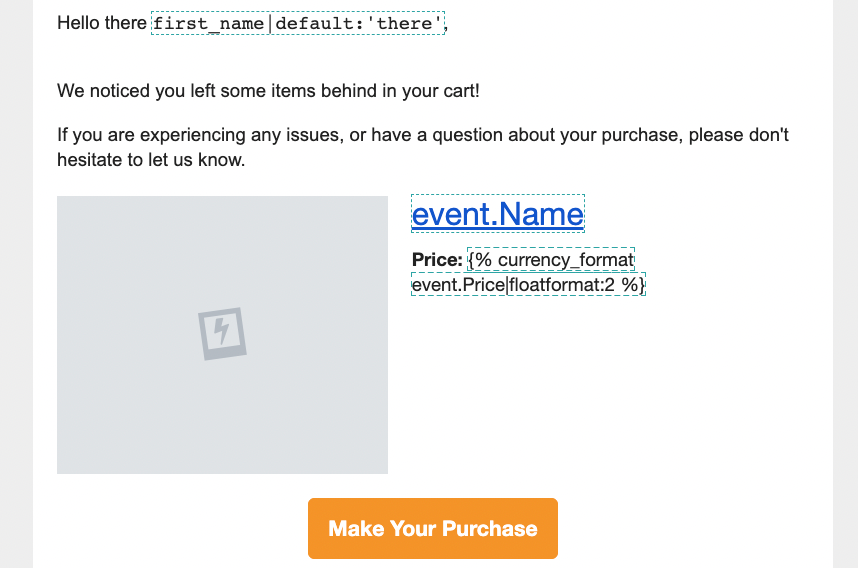
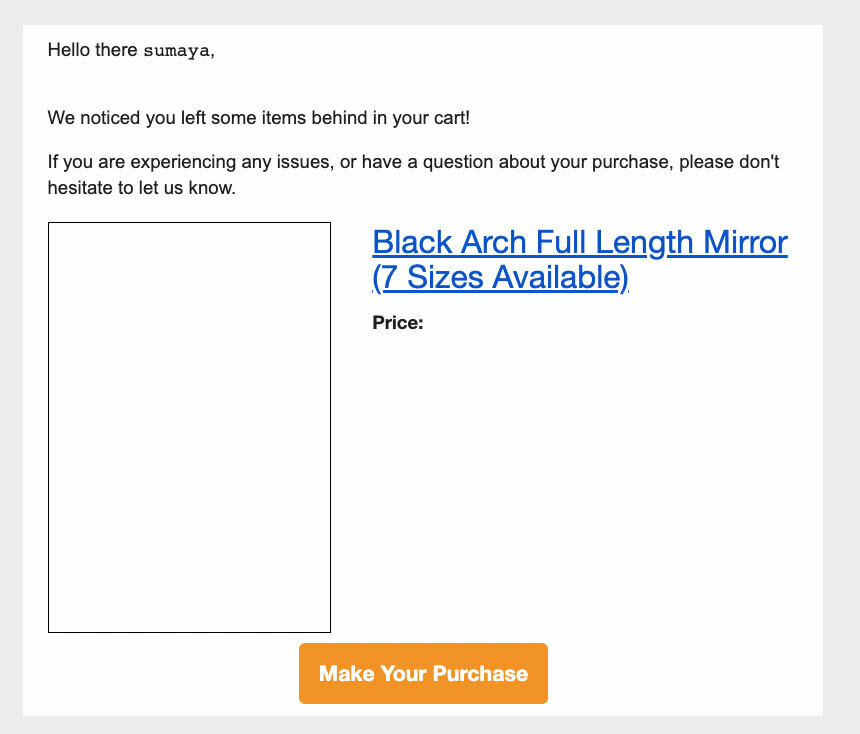
Gotta applaud @Spark Bridge Digital LLC for doing an awesome job at highlighting a lot of the steps you would take to finding the correct event variable!
On your preview page, I would suggest clicking on that “Price” field on the right side of your email preview. This will return and copy that specific event property’s value which you can reformat and use in your dynamic block.
If you haven’t had a chance to yet, I would suggest taking a look at @Anna McCarthy’s Community post below. In it, she has a video tutorial highlighting how to use event data to build or customize/edit a dynamic table block.
You can also check out our How to build dynamic blocks in a flow email Help Center article on this topic as well!
David