



PRICE DROP EMAIL CODING
Hi,
Trying to set up price drop flows. the flow trigger etc are easy, but cannot find anywhere how to code the emails themselves to populate the image, product name URL etc.
I’ve tried use klavyio example but it is not showing anything in the preview email when in manual
i’ve tried save the klavyio block and put it in there, copy paste the data, nothing works
i’n trying to add a screenshot but not working either ahahh
COPY PASTE
event.image_url
{{ event.product_name }}
Sale Price: ${{ event.reduced_price | floatformat:2 }}
Was: ${{ event.original_price | floatformat:2 }}
You Save: ${{ event.price_drop_amount | floatformat:2 }}
SAVED BLOCK
{ organization.url }}products/{{ item.product.handle }}
Quantity: {{ item.quantity|floatformat:0 }} — Total: {% currency_format item.line_price|floatformat:2 %}
I DONT EVEN UNDERSTAND WHY THE SAVED BLOCK ENDED UP BEING DIFFERENT THAN THE COPY PASET

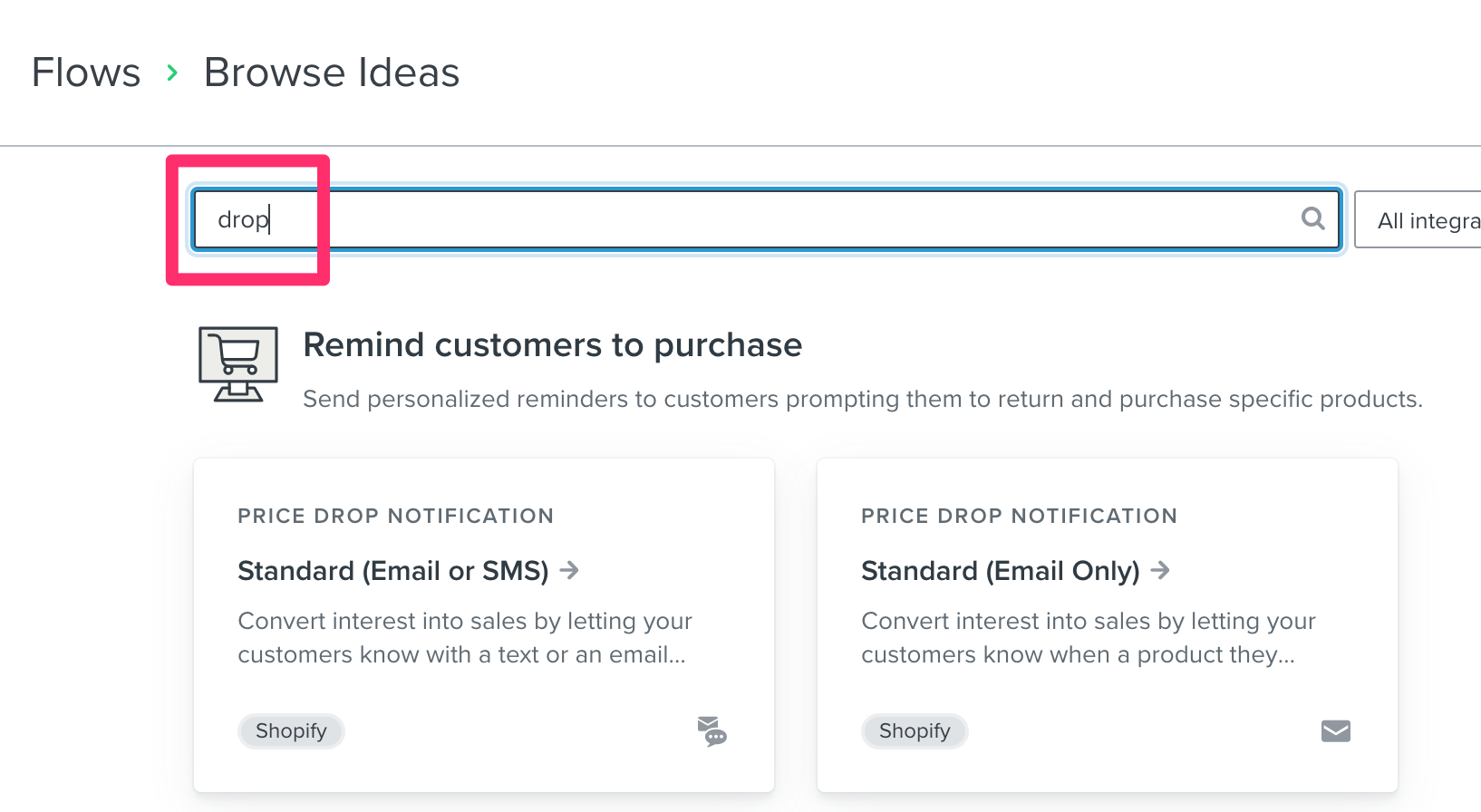
 . If not, I recommend you pull this flow template to get started because it provides all of the tags you need to dynamically populate the item prices, title, etc. in your Price Drop flow. No additional coding required!