Solved
Show/Hide Text Block in an email using Show/Hide Logic (new editor)
I want to include variable data (just a block of text) in a post-purchase flow.
eg, If a customer has purchase certain items, I want to show relevant data. Instructions, directions, extra info, etc.
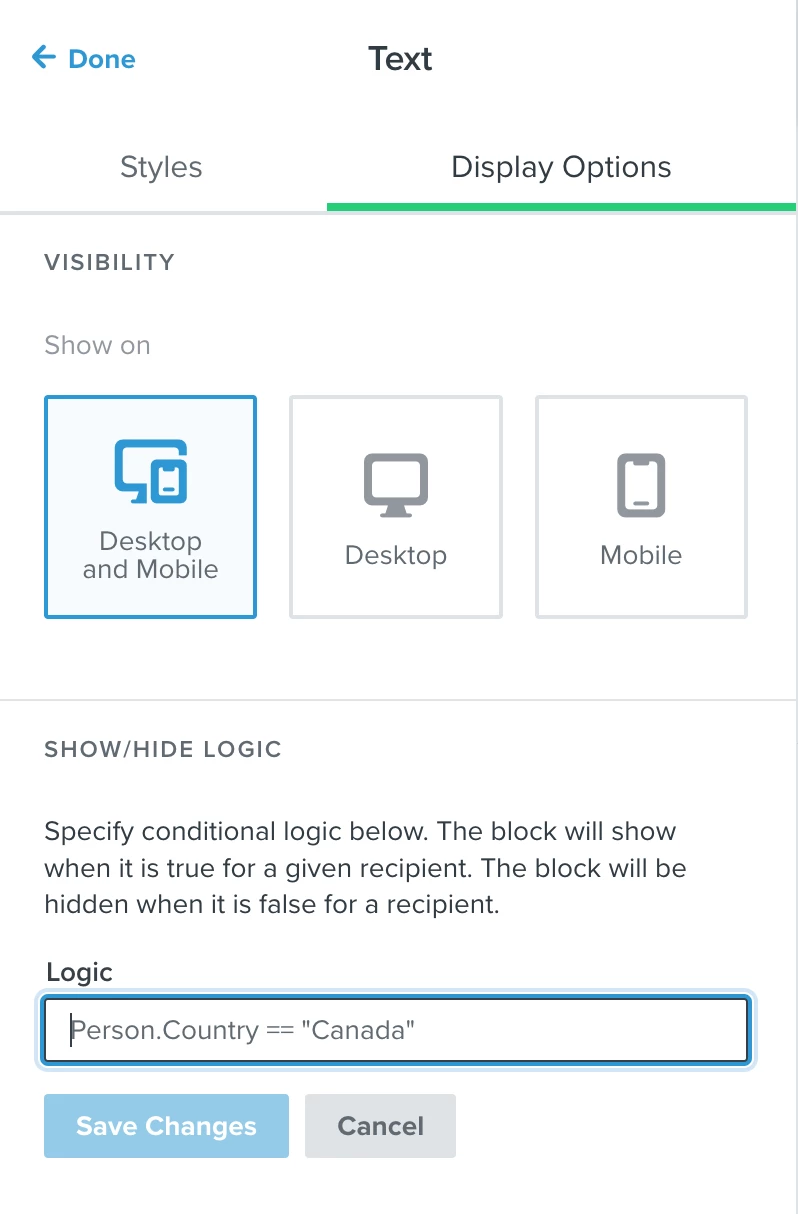
I found the Show/Hide logic feature, but it’s just a text-input line.
I would’ve expected a drop-down showing all of the available variables/syntax and options. I’m really surprised that it’s this open-ended.
Is there a list somewhere of possible variables that I can copy/paste in to ensure that the logic string is entered correctly?
All of the instructions I can find for this are the older editor, too - and none are for this specific use case.