


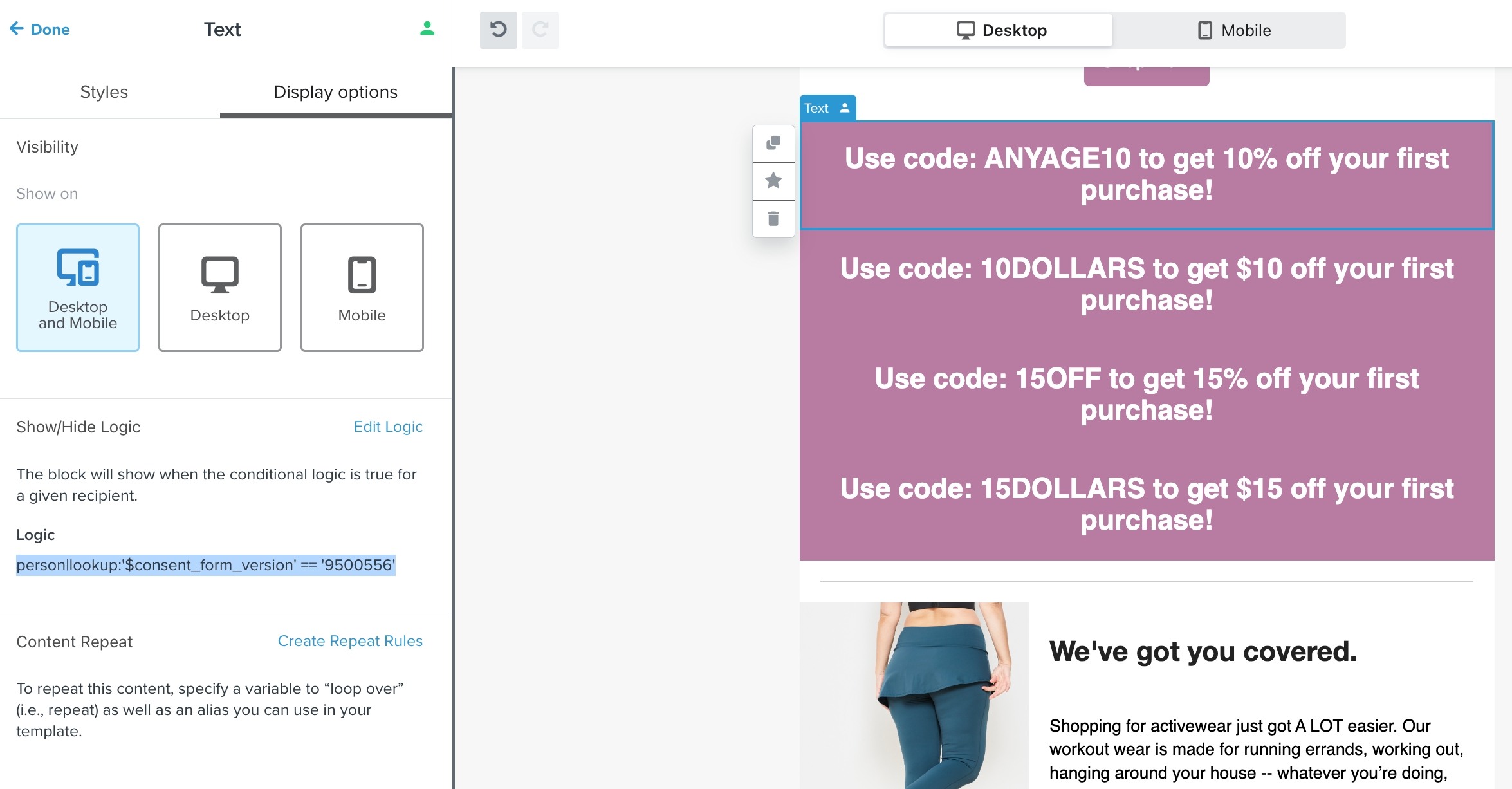
with each block using a different form version ID (950057, 950058, etc)
The preview isn’t giving me a syntax error, but is not displaying the corresponding block for matching profiles (no blocks are shown). Any ideas on what I am doing wrong?
Thanks!
Best answer by Taylor Tarpley
Hi there @slieneke,
Thanks for sharing your question with us, happy to help!
Yes, you aren’t seeing any version pop up because we can only show/hide blocks based on properties or event details in the flow’s trigger, not form ID. However, I love the idea to show different content depending on which form version a user filled out! You can still accomplish by branching your flow using a conditional split, which can be filtered by form IDs, to differentiate what email a subscriber will see depending on the form they filled out.
Thanks for sharing your question with us, happy to help!
Yes, you aren’t seeing any version pop up because we can only show/hide blocks based on properties or event details in the flow’s trigger, not form ID. However, I love the idea to show different content depending on which form version a user filled out! You can still accomplish by branching your flow using a conditional split, which can be filtered by form IDs, to differentiate what email a subscriber will see depending on the form they filled out.
Thanks for participating in the Community!
-Taylor
Search saves time. Contributing compounds value.
The ROI of your reply? One helpful answer can support dozens of teams, build your credibility, sharpen your own expertise over time, foster connectivity, and create good karma – because what goes around comes around. The community is what YOU make it.