


Contributor III
February 28, 2024
Solved

How to turn off Notify Me When/BIS button on specific products?

We are on a Shopify 2.0 Theme.
www.viridianbay.com
gift card URL: https://viridianbay.com/products/e-gift-card
We want to turn off the BIS button on specific products.


Klaviyo code manages the button that appears on all products that have reached 0 inventory. However, some products are supposed to be 0 or null.

  1. E-Gift Cards (there’s no inventory on a Shopify gift card page)
  1. Drop Ship Items (it’s always going to reflect  0 inventory)

    Shopify told us to use this Custom CSS on the gift card page template in the “product page” section to make the button disappear, and it didn’t work.
    .klaviyo-bis-trigger {   display: none; }

Is there another place to put code to turn the BIS button off for specific products?  
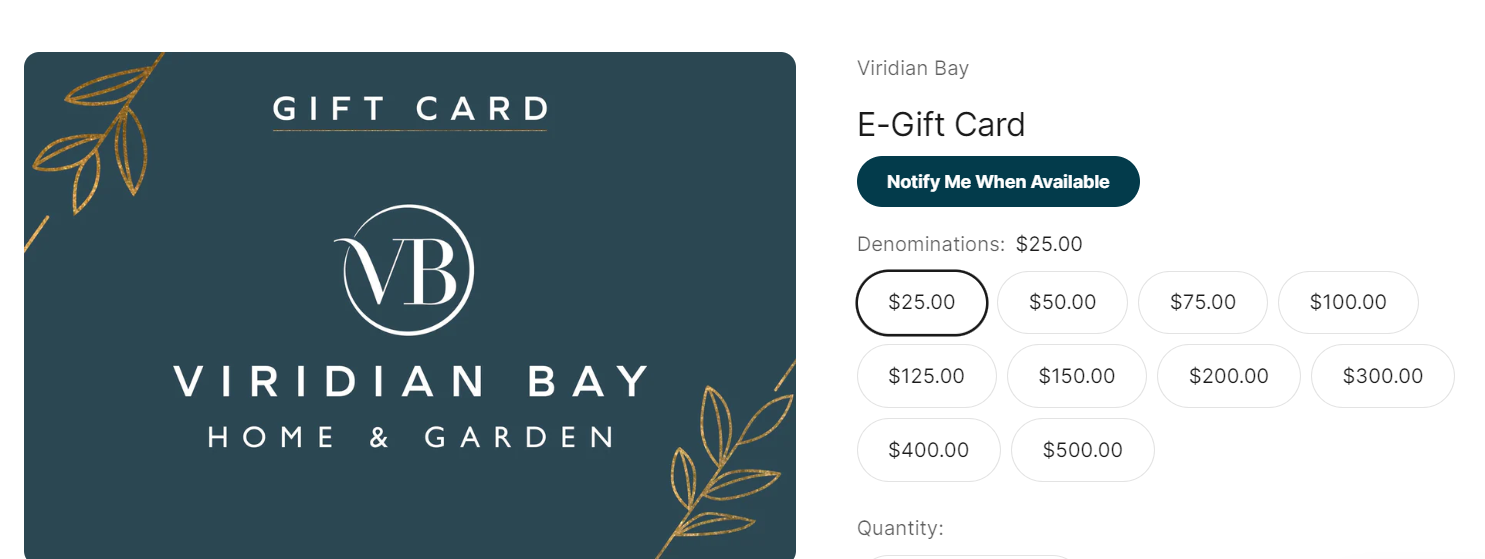
The “notify me” button is not useful on this page
    MaxbuzzAnswer
    Partner
    February 28, 2024

    Hello @Teri Lanier 


    Change the code to this to make it work.

    .klaviyo-bis-trigger {   display: none !important; }

    https://theforms.pro

    3 replies

    MaxbuzzAnswer
    Partner
    February 28, 2024

    Hello @Teri Lanier 


    Change the code to this to make it work.

    .klaviyo-bis-trigger {   display: none !important; }

    https://theforms.pro
    Contributor III
    February 28, 2024

    thank you @Maxbuzz , we will try this approach too, and maybe it will work for drop-ship specific product templates.

    For the e-gift-card, which has a unique URL, Klaviyo suggested the following code for our theme.liquid file:

    if (window.location.href !== "https://viridianbay.com/products/e-gift-card") {   trigger: {     product_page_text: "Notify Me When Available",     product_page_class: "btn",     product_page_text_align: "center",     product_page_margin: "0px",     alternate_anchor: "AddToCart",     replace_anchor: false   }

    Contributor I
    September 11, 2025

    Off the top of my head, I would think just checking "Continue selling when out of stock" in Shopify for the product or variant would be the solution -- as per https://help.klaviyo.com/hc/en-us/articles/38767539287323#h_01JZPK49E2M5QWW1NCPYRW386G :
    > Klaviyo’s back in stock feature does not work with Shopify’s “Continue selling when out of stock” setting. If this setting is enabled, the product always appears available, even with zero inventory