Contributor I
August 1, 2024
Solved

Product Variant not displaying in order and shipping confirmation emails

  • August 1, 2024
  • 3 replies
  • 270 views

Hello ive searched everywhere even contacted support but no help given.


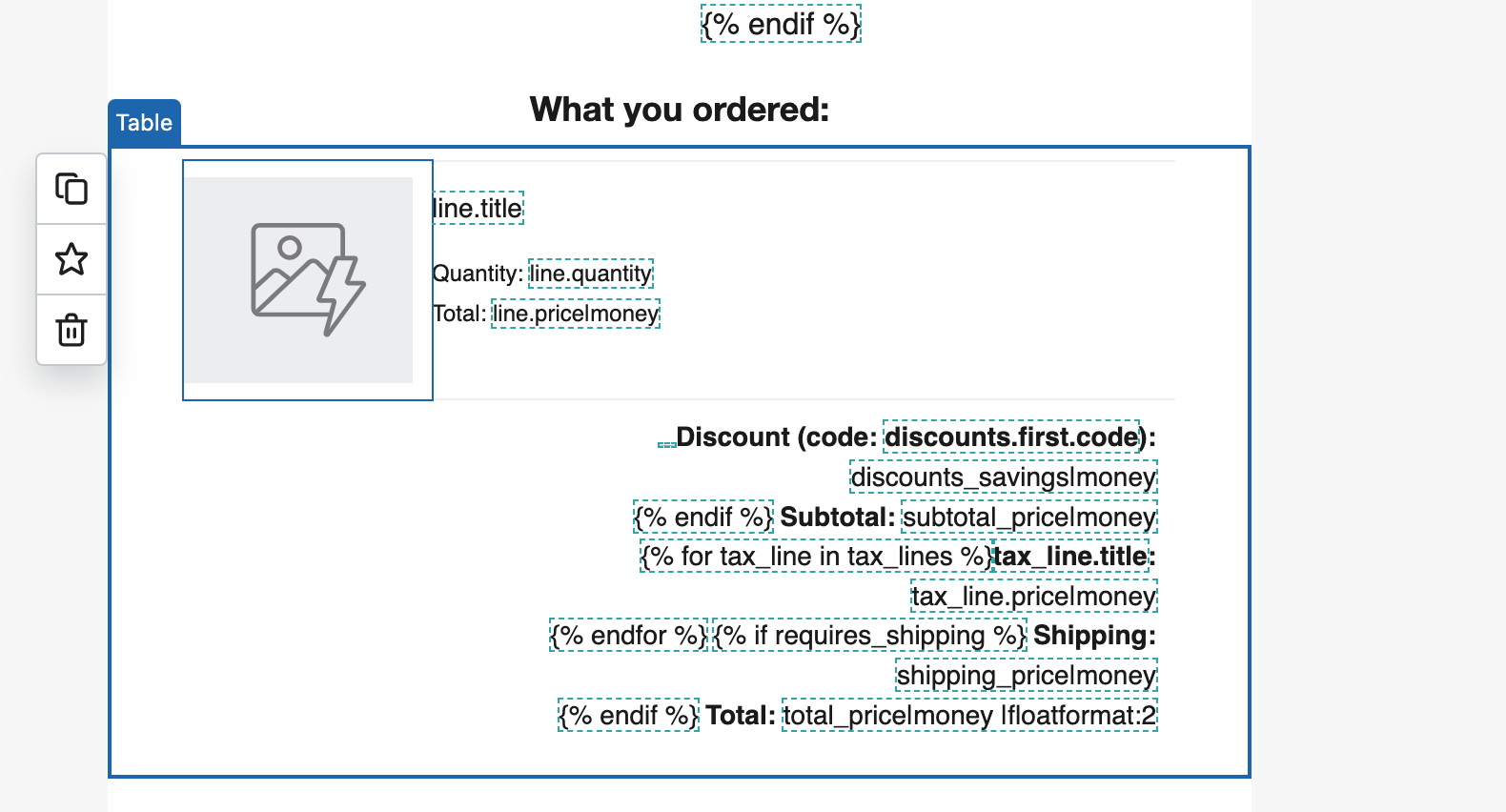
The product image is showing my featured product image rather than the variant image. 
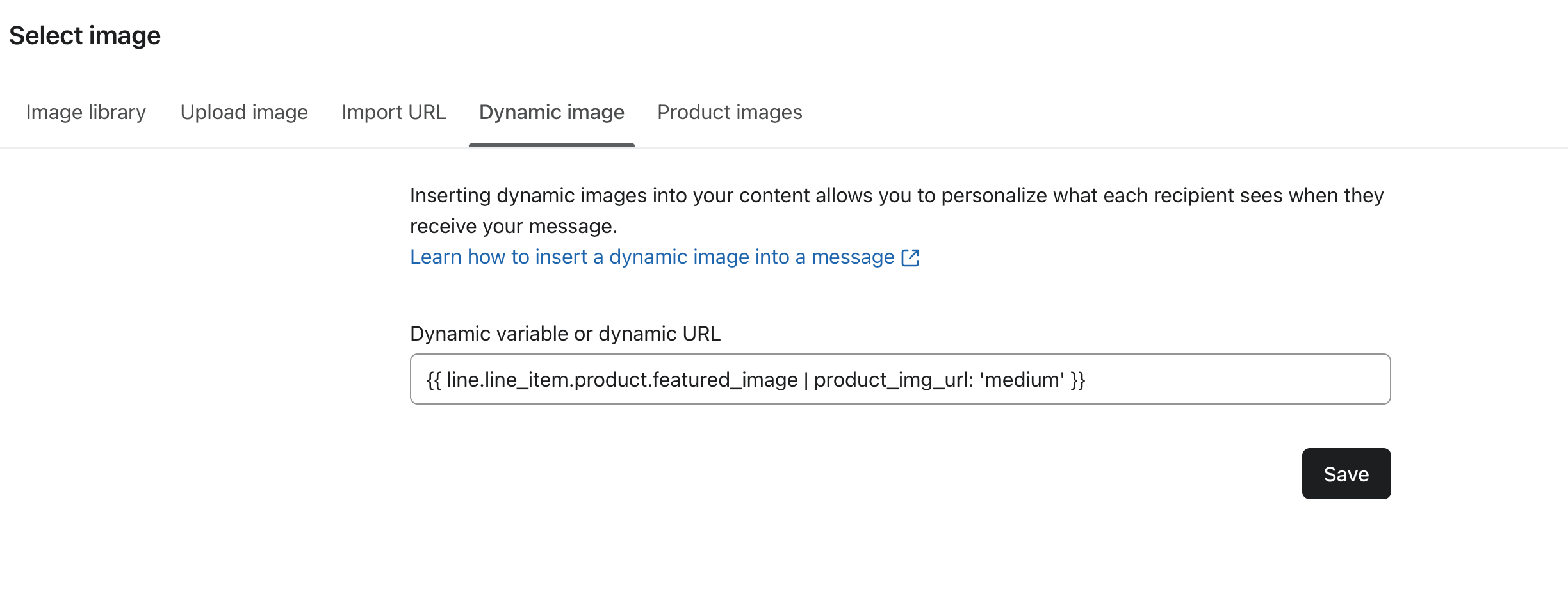


This is the current dynamic image variable which is provided in klaviyo template. 


    This topic has been closed for replies.
    Best answer by ArpitBanjara

    Hey @Billybee12huj 

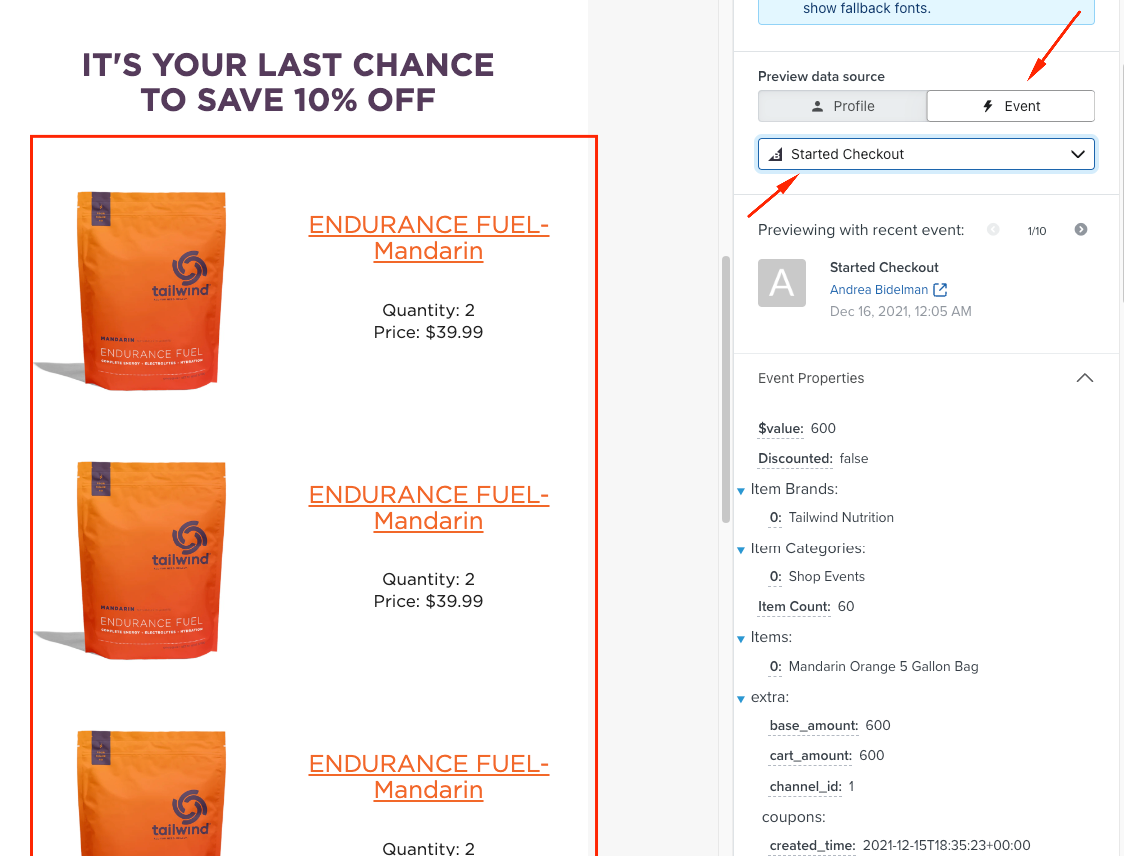
    You need a metric to be able to preview dynamic tags, just like you are using it to dynamically pull images. So you need a metric to pull that information from. The tag you are using fetches the data from that metric and shows it in preview 

    So even if you are building this dynamic block in a template, when you click on ‘Preview and Test’ - you need to select a metric/event first to show the preview of your dynamic block, without that none of your data would be previewed.

     You can read about this more here


    I hope this helps

    Cheers

    Arpit

    3 replies

    ArpitBanjara
    Principal User II
    Principal User II
    August 1, 2024

    Hey @Billybee12huj 

    can you let me know which metric/event is triggering this flow? and what ecommerce is your store on?

    Arpit Banjara - Lead Email Marketing Specialist at Flowium
    Contributor I
    August 2, 2024

    I am not using a metric/event triggering the flow as this is not a flow. I am using klaviyo shopify template which is provided and exporting them to be used on shopify

    ArpitBanjara
    Principal User II
    Principal User II
    August 2, 2024

    Hey @Billybee12huj 

    You need a metric to be able to preview dynamic tags, just like you are using it to dynamically pull images. So you need a metric to pull that information from. The tag you are using fetches the data from that metric and shows it in preview 

    So even if you are building this dynamic block in a template, when you click on ‘Preview and Test’ - you need to select a metric/event first to show the preview of your dynamic block, without that none of your data would be previewed.

     You can read about this more here


    I hope this helps

    Cheers

    Arpit

    Arpit Banjara - Lead Email Marketing Specialist at Flowium