


Contributor I
May 28, 2023
Solved

Why am I getting an error message when setting up SMS?

  • May 28, 2023
  • 3 replies
  • 547 views

Hey there, 


I keep getting an error message when I try and set up SMS messaging in Klaviyo. For some reason I was able to set it all up during the tutorial but I was never able to verify a phone number to actually use. 

I try and redo it all now and I am unable to get past a certain point in signing up. 
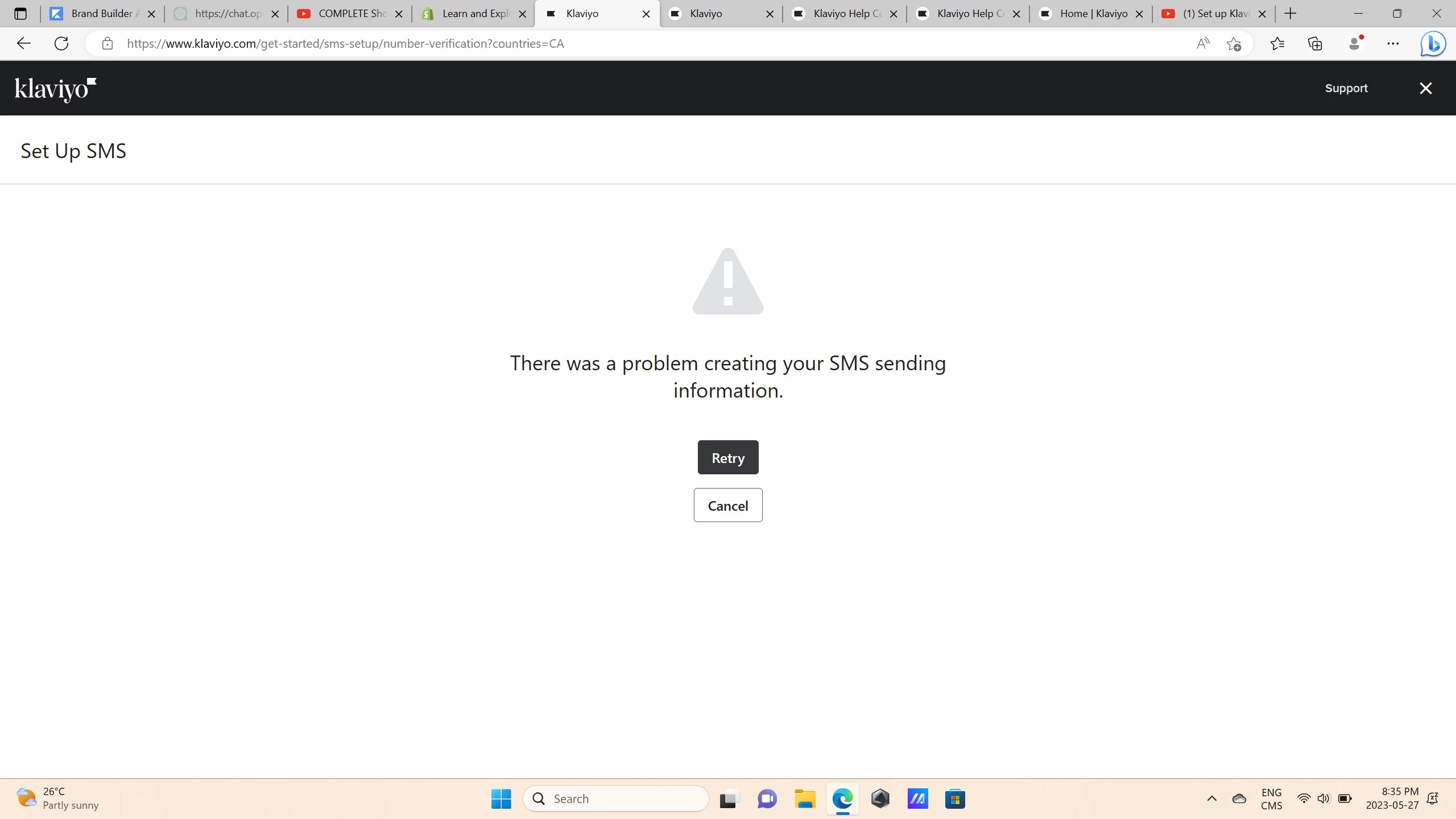
 

This is the error I keep receiving . I get it after filling out the company information part of the setup.


Any help is appreciated!


Thank you

    Best answer by Taylor Tarpley

    Hi there @MelanieHargrove


    Thanks for sharing your question with us, happy to help! 


    Do you mind sharing if you’re still experiencing this issue? Sometime this can occur as a temporary issue and can be fixed by attempting the following troubleshootings steps: 


    • Log out of Klaviyo
    • Clear cache and cookies in the current browser
    • Exit or restart the browser
    • Log back in and click "Activate"


    Thanks for participating in the. Community!

    -Taylor 

    3 replies

    Taylor Tarpley
    Community Manager
    Community Manager
    May 30, 2023

    Hi there @MelanieHargrove


    Thanks for sharing your question with us, happy to help! 


    Do you mind sharing if you’re still experiencing this issue? Sometime this can occur as a temporary issue and can be fixed by attempting the following troubleshootings steps: 


    • Log out of Klaviyo
    • Clear cache and cookies in the current browser
    • Exit or restart the browser
    • Log back in and click "Activate"


    Thanks for participating in the. Community!

    -Taylor 

    Contributor I
    October 10, 2025

    hello, i am getting this very same error message and I’ve tried everything, especially tried activating sms several times and all i get is the same error

    Byrne C
    Community Manager
    Community Manager
    October 14, 2025

    Hi ​@oracle01,

    This issue can happen sometimes if your Organization name contains too many numbers or invalid characters. Your organization name is used to create a Branded Sender ID (one of the mobile sending numbers), so I’d recommend ensuring that there are no characters like a trademark/copyright symbol in your organization name.

    Additionally, after you’ve ruled this out, could you try setting this up in incognito mode, to see if you’re dealing with a browser issue? Finally, if that doesn’t work, I’d encourage you to reach out to Klaviyo.com/support, and our support team can take a closer look at this for you to see why this is happening.